
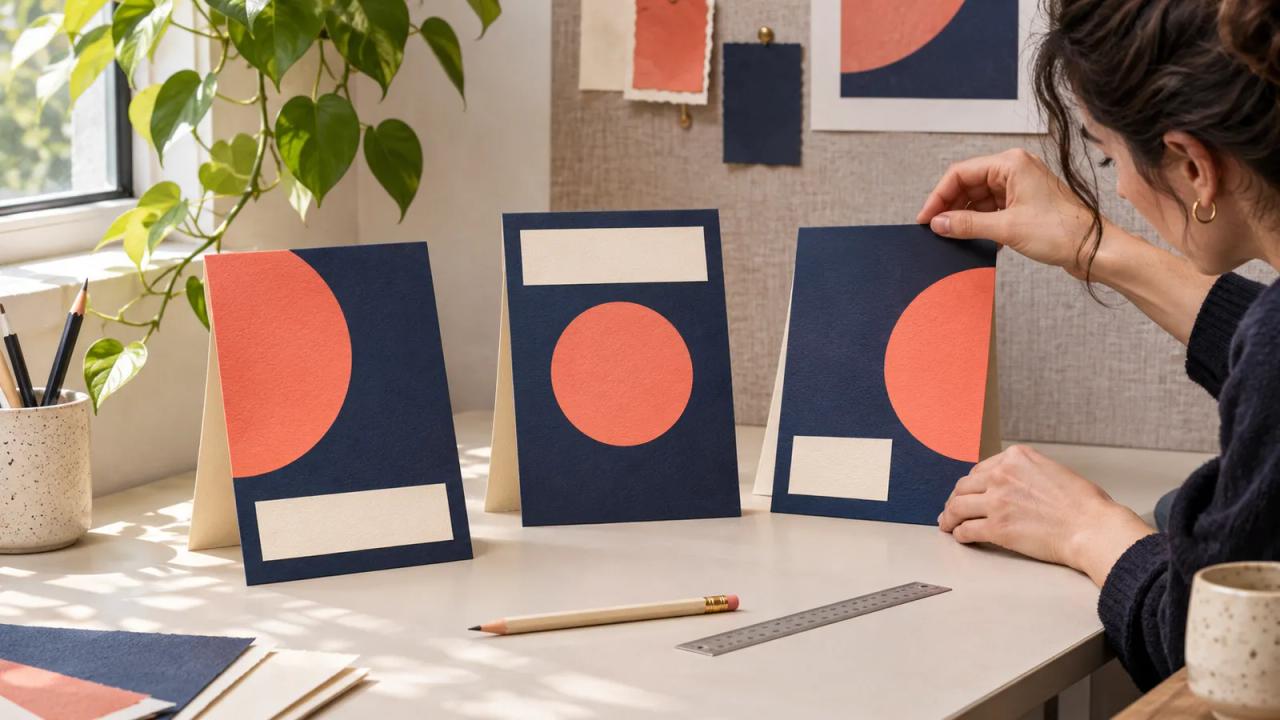
Figma 3D Launch Cards That Stay Readable
Build a creator launch graphic with Figma’s new 3D transform. Use a filled card plan, restrained angles, and a review at the final display size.
Read storyThe Growit blog
Ideas, shifts, and practical guides for creators. Make sense of what's changing. Make something worth watching.
Explore the latestBuild a creator launch graphic with Figma’s new 3D transform. Use a filled card plan, restrained angles, and a review at the final display size.
Read story
Plan a Twitch Luna GameNight with checked guest access, private invitations, clear player rotation, and a useful experience for viewers who stay in chat.
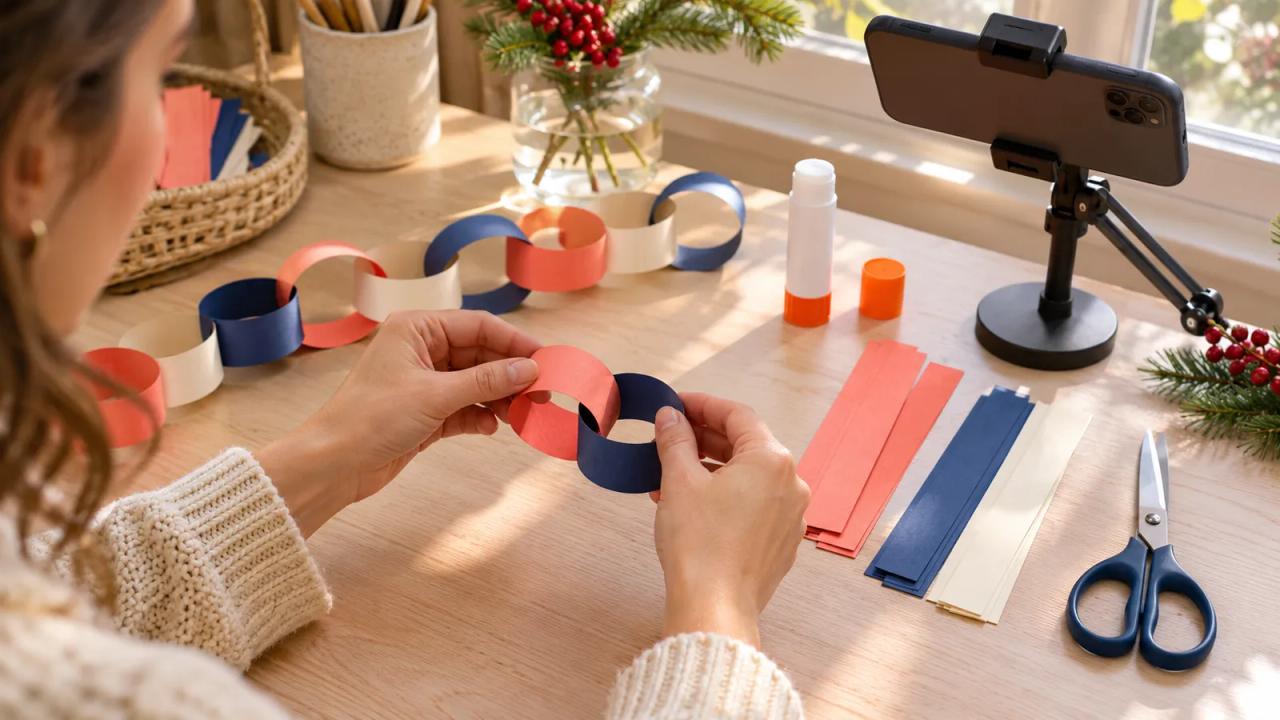
Turn TikTok’s holiday DIY interest into a paper-chain lesson with a tested materials list, six-shot plan, readable captions, and export review.
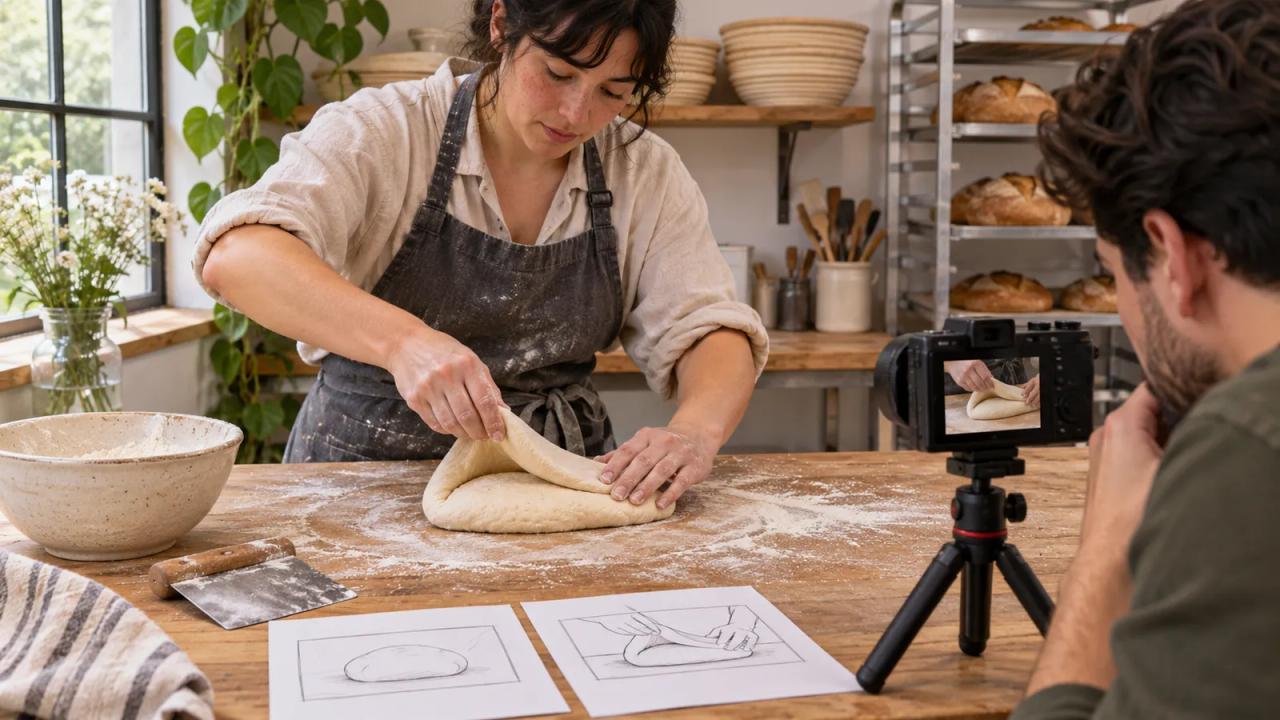
Build a two-format shot list for one expert demonstration, then edit a complete episode and a useful POV Short with clear context and a related-video link.
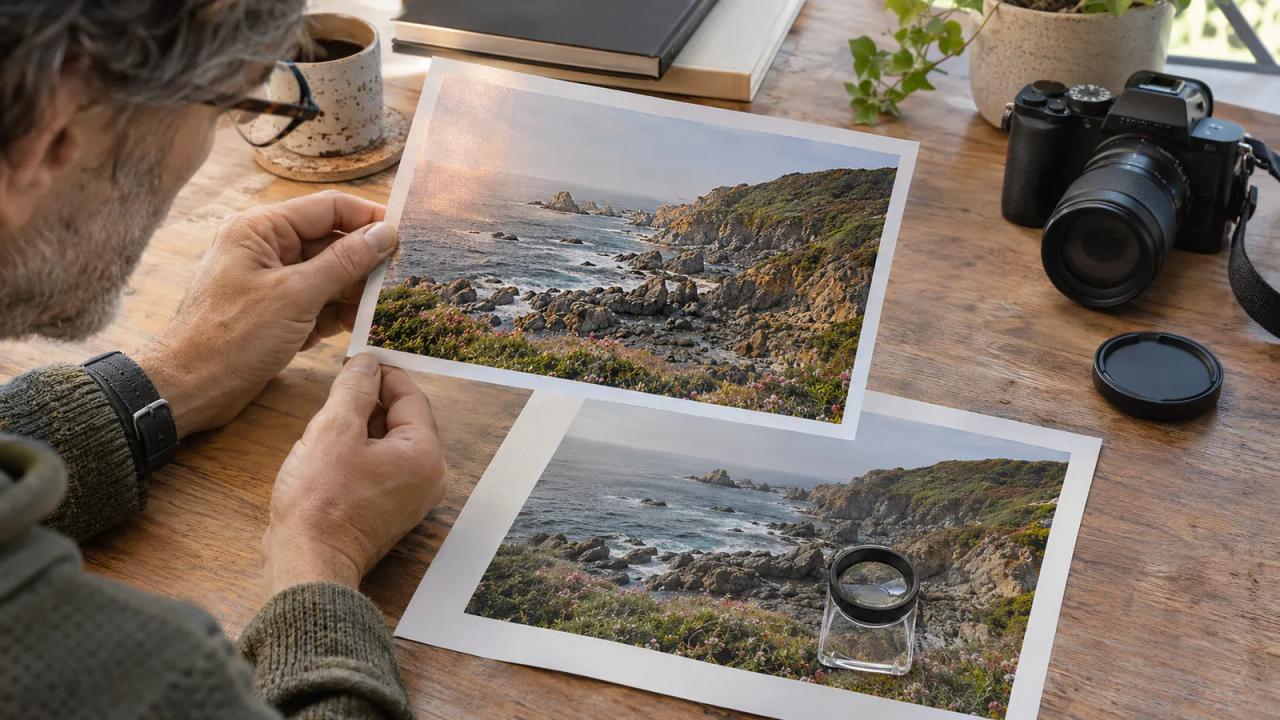
Try Photoshop beta’s ambient effects removal with a photo review sheet, detail checks, an original-file reference, and a clear publication record.
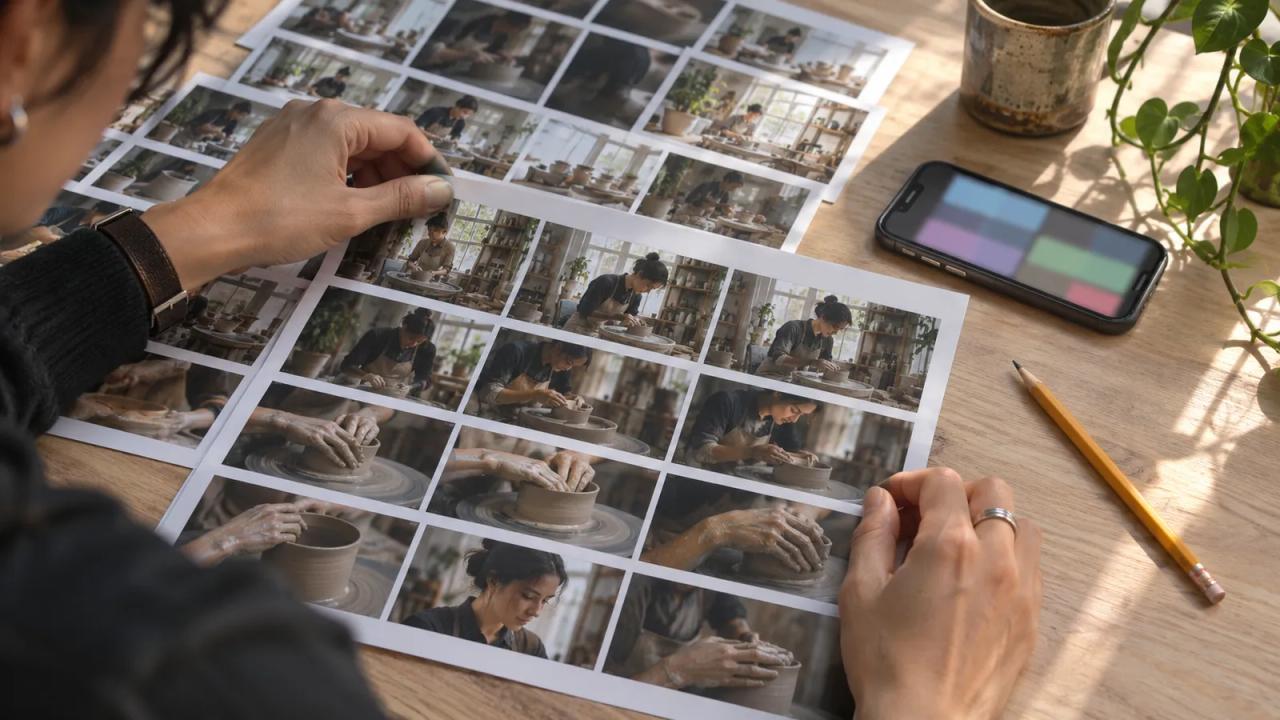
Prepare footage for Adobe’s Quick Cut private beta and review the editable draft with a clip list, a continuity check, and a manual fallback.
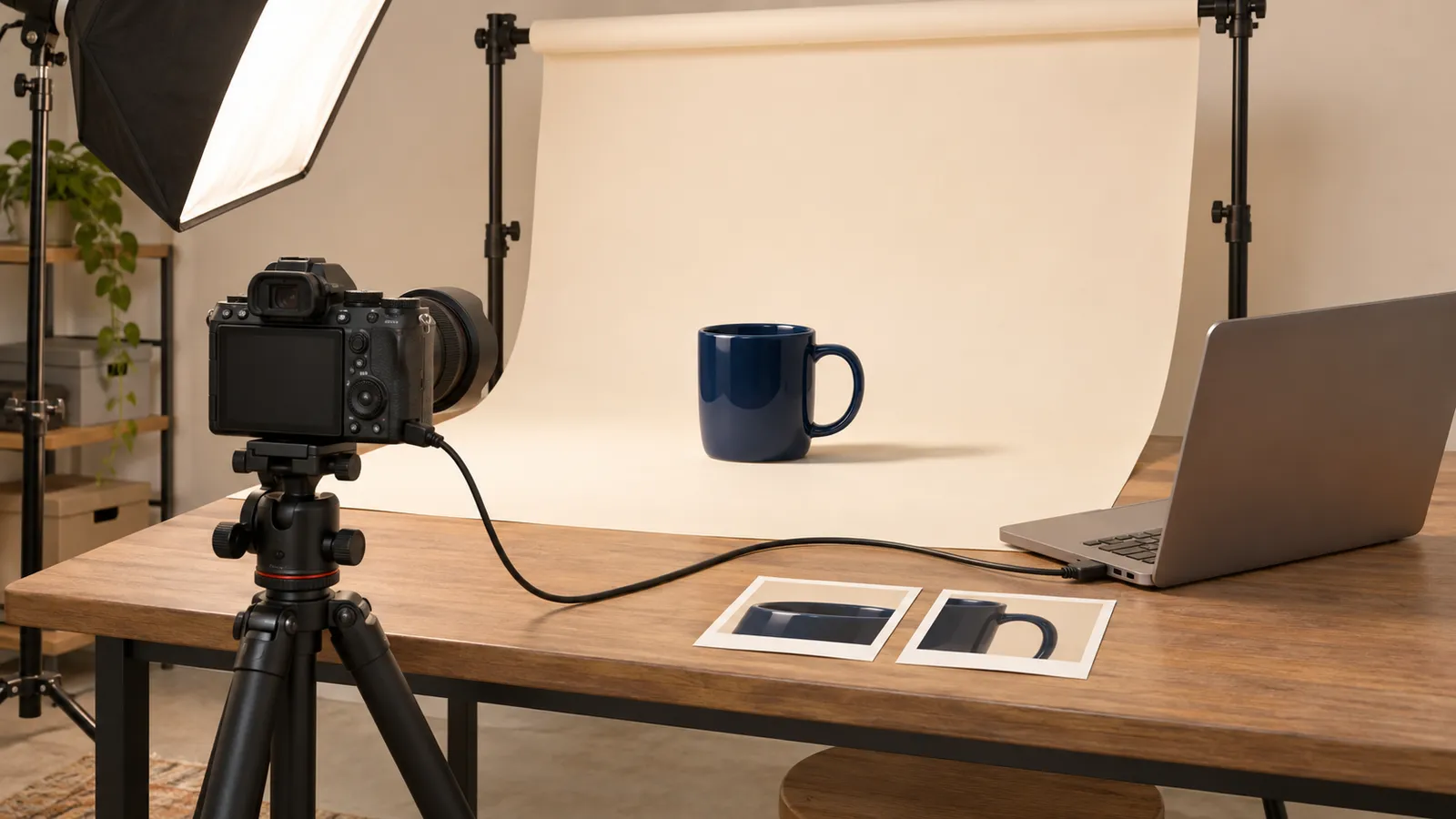
Shoot a product photo in Lightroom desktop with Live View and a crop overlay. Check a wide hero and square listing before you pack up.
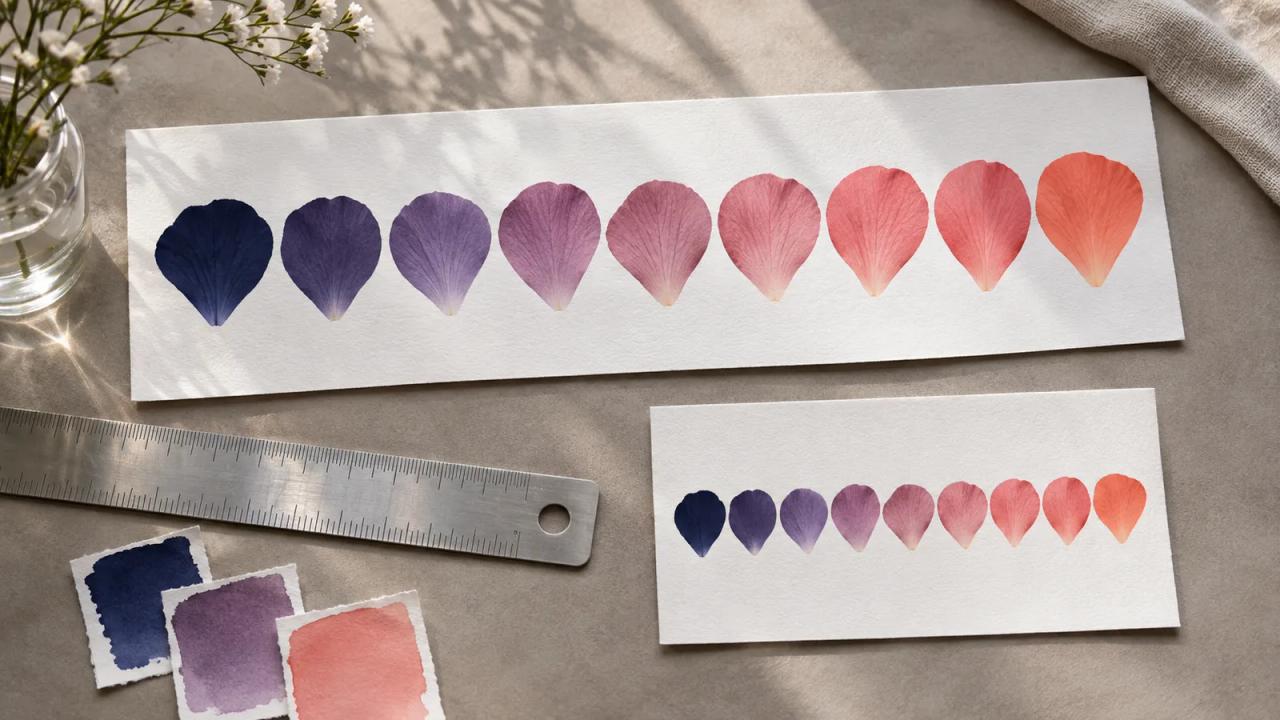
Use Illustrator's Blend panel to build an editable banner motif. Compare spacing and color at wide and narrow sizes before you export.
Check your Patreon page after the November 16 layout move. Feature a public sample and test the links visitors and members use.
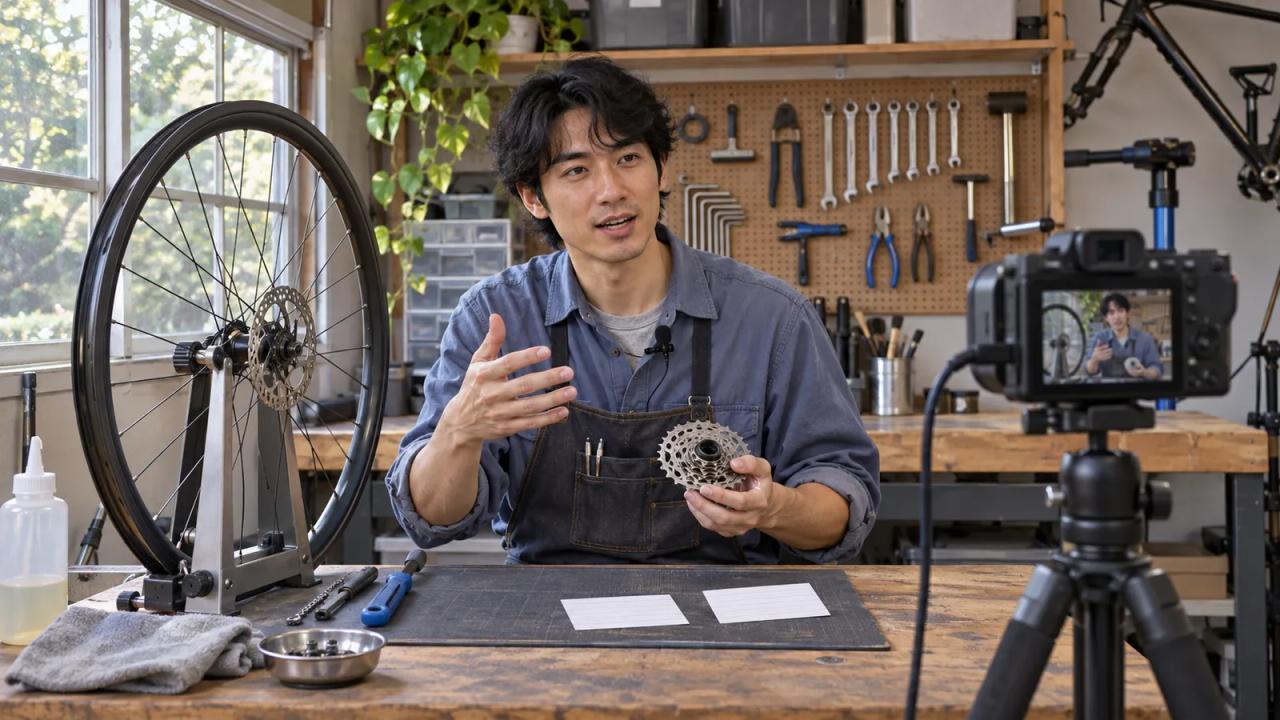
Rehearse a YouTube livestream with a filled 18-minute run of show, a viewer-side test, and clear cues for handling a failed camera or connection.
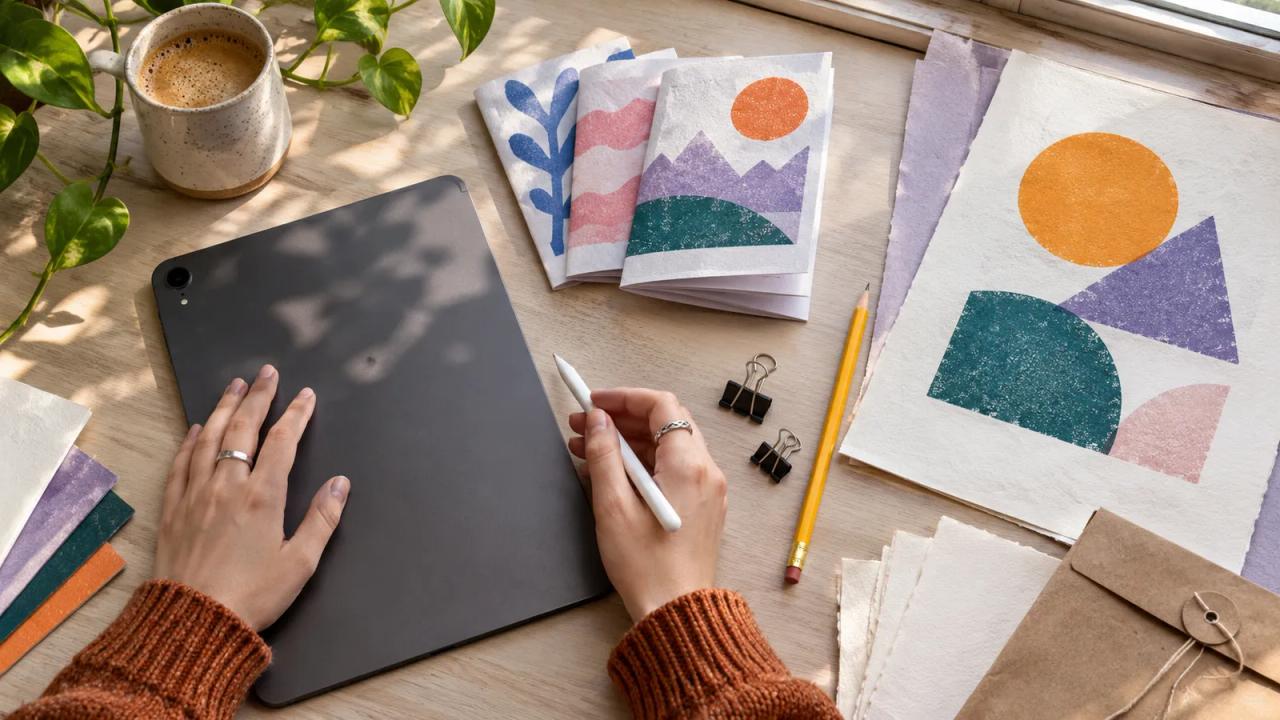
Plan an editable creator zine in Affinity for iPad with a filled handoff brief, asset checks, page proofs, and a separate publication export.
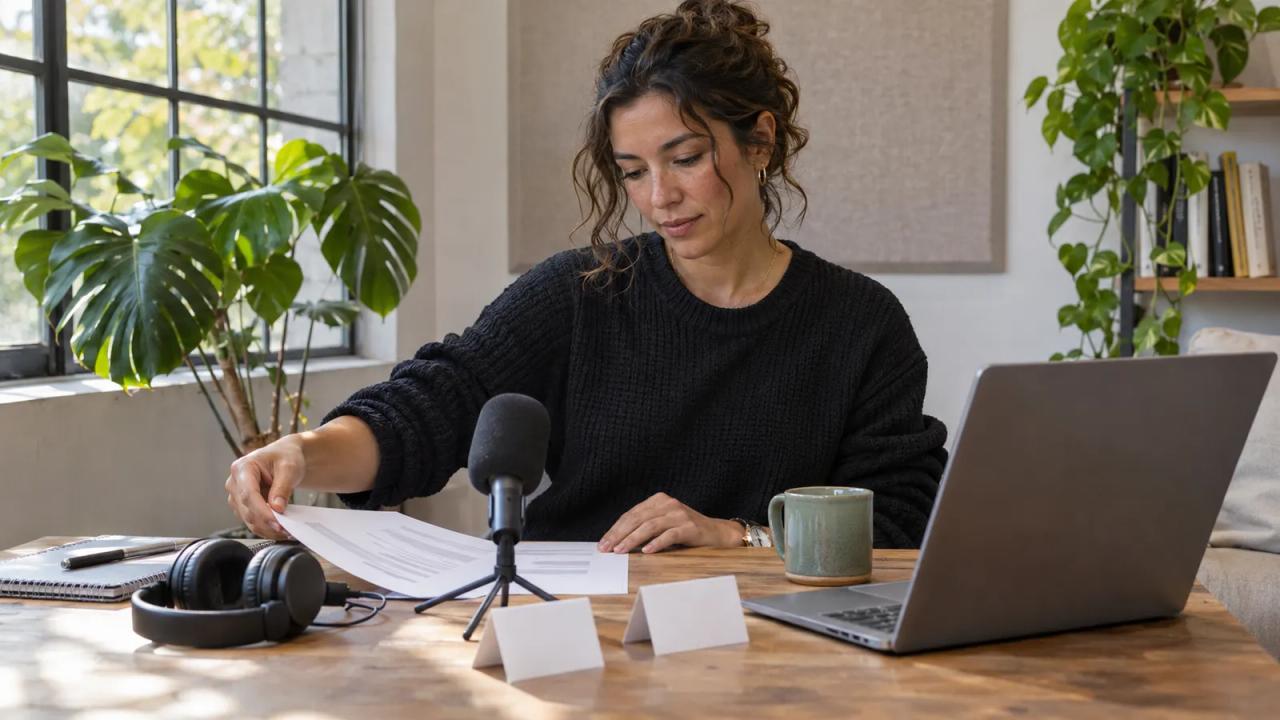
Prepare a creator interview with Google Meet's policy notice, a clear artifact plan, participant expectations, and a checked pre-call handoff.
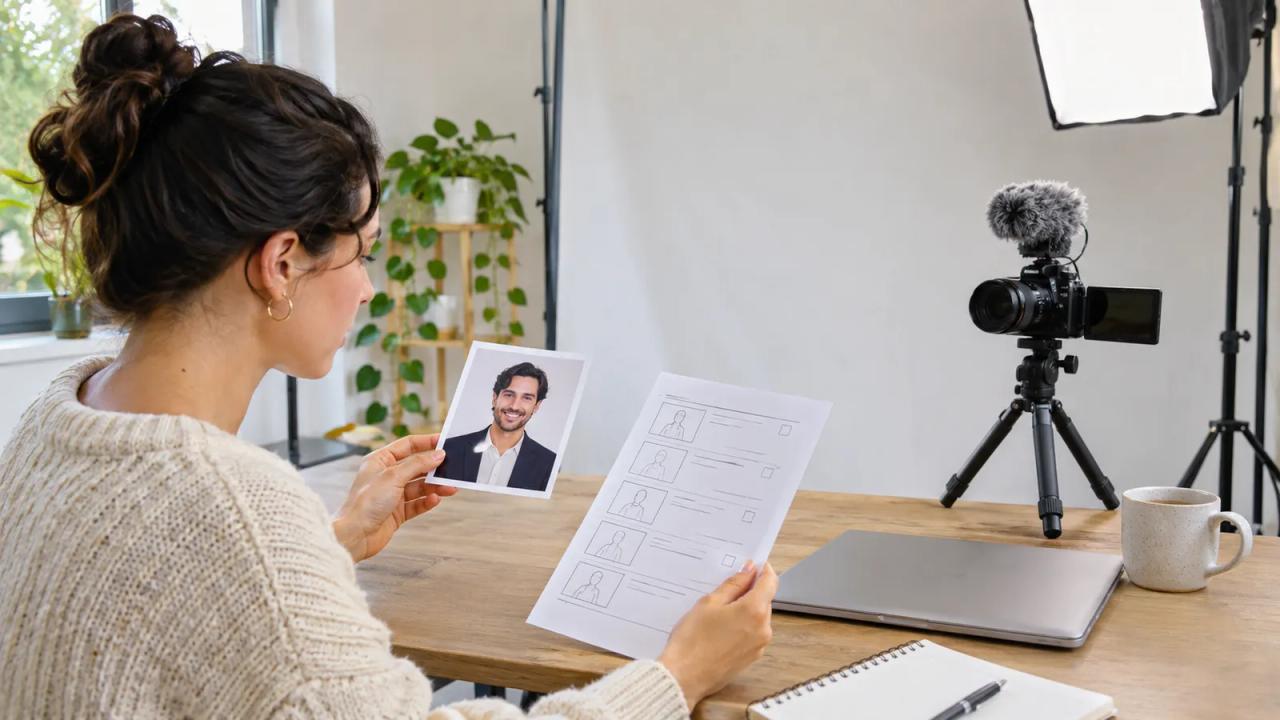
Keep a creator video publishable while Google Vids' image-avatar rollout is paused, with a filled fallback plan and checked real-footage alternatives.
Prepare for the Lucas Museum TikTok LIVE with a filled question ledger that separates visible details, curator statements, and your own interpretation.
Review a YouTube Playables accessibility tag with a filled feature card, a recorded setup, a bounded test, and a clear explanation of its limits.
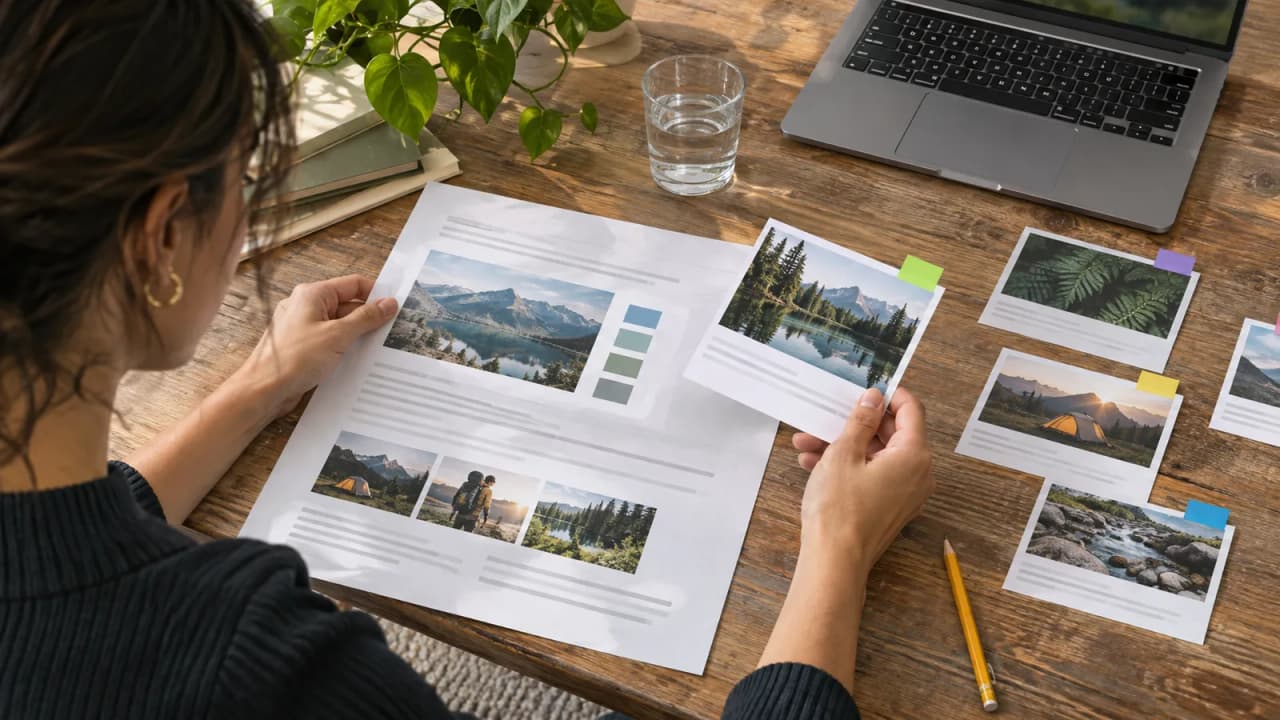
Use Acrobat web search to review a creator brief with separate document and web evidence, checked citations, dated questions, and an approved revision.

Review Adobe for Startups with a filled eligibility file, one creator brand pilot, named owners, a seat plan, and a decision before the year ends.
Prepare a focused song feedback brief with one demo version, a useful listening question, clear sharing limits, and a small follow-up experiment.
Plan a personal video around Premiere mobile's announced music library, with a filled release brief, availability checks, and a separate commercial route.
Review YouTube's generated music replacement with a preserved video, full claim coverage, protected narration, and a checked final result.
Plan Adobe MAX 2026 with a filled creator experiment card, the correct online dates, a baseline project, useful session notes, and a small follow-up test.
Review Lightroom Open Eyes and Generative Expand with a portrait brief, original reference, subject approval, close inspection, and export checks.
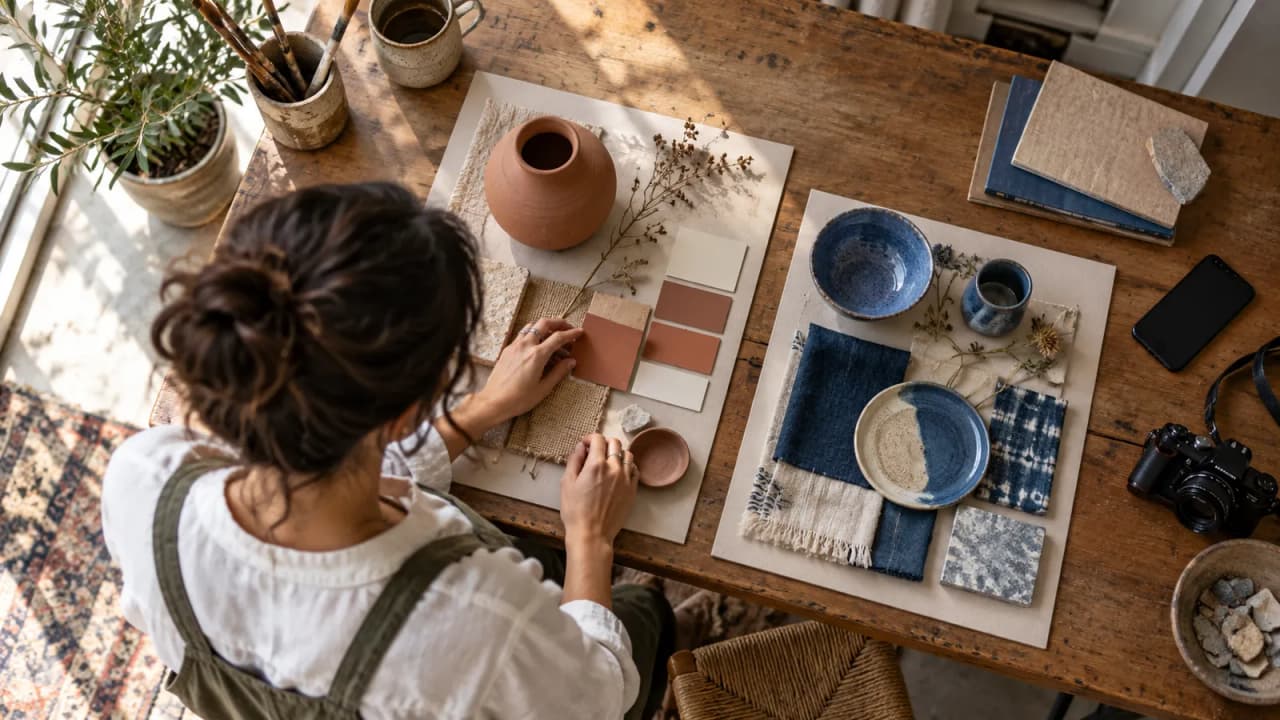
Plan a creator set with Pinterest Restyle, preserve the original room photo, label AI concepts, and separate an imagined after from a finished build.

Use Google's new Skilling Africa hub to plan a focused creator learning sprint, make one original deliverable, and check what you learned before sharing.