
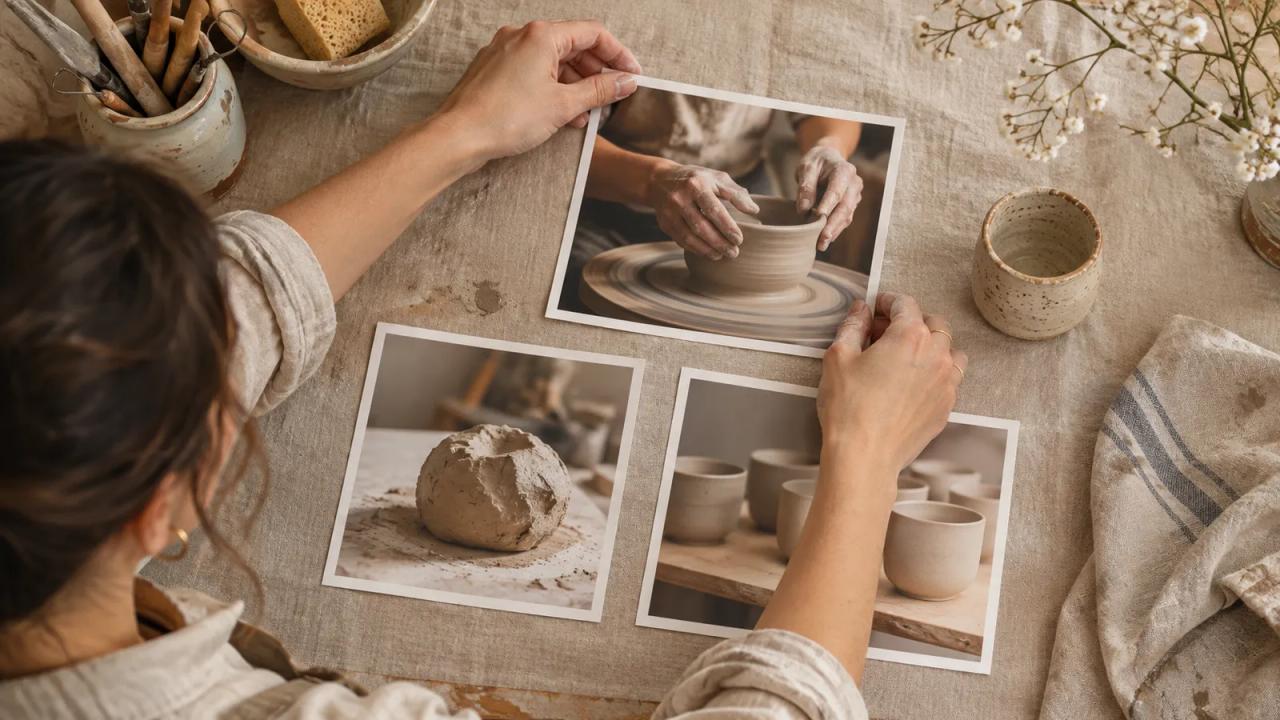
Mara's pottery archive opens with a post about a kiln repair. Regular members know why it matters. A visitor from a throwing tutorial still has to work out where to start. For the updated Patreon creator page, feature one public sample, put the most useful collection within easy reach, and check what each audience can open before sending people there.
Patreon’s November 16 help update says it retired the previous creator page. Open the page you already share and check the first screen. The updated page opens on a curated Home tab, and Posts holds the chronological archive. Patreon says the page URL, posts and memberships carried over. Pages that had no custom layout moved with recent posts at the top. Patreon’s creator page guide
Mara and Kiln Window are fictional. This is her first review of the layout a visitor sees, including the links she wants to check before promoting it.
| Page element | Kiln Window example | Preview check |
|---|---|---|
| First impression | Header photo of hands pulling a cup wall | Hands and cup remain recognizable on mobile |
| Featured sample | Public three minute lesson on centering clay | A visitor can open and play the lesson |
| First shelf | Start Throwing collection, beginning with setup | Public view makes locked lessons clear |
| Member shelf | Monthly firing notes with process photos | Paid preview shows the current issue |
| Navigation | Start Throwing, Workshop Calendar | Both destinations open and the calendar date is current |
| Recheck before sharing | Open the old bio link in a signed-out browser | Home loads and the public sample opens on mobile |
Pick one piece that shows the work
Write down where a likely visitor came from and what they came to learn. Kiln Window expects someone who just watched a short clip of a wobbly pot. Its featured lesson shows the adjustment that made the clay steady, then points to the full beginner sequence. The lesson can stand on its own. Someone can try the technique even if they never join.
Patreon lets creators feature an existing post, product, collection or podcast. The newest post is the default. Read the featured item's first screen aloud and ask whether it names the outcome and gives a visitor a clear next step. If your best sample is behind a tier, prepare a separate public sample with a small complete lesson. Patreon's guide to customizing the creator page
Order shelves by the next decision
Give each shelf a job. The first can help a newcomer start, the second can show the ongoing work, and a later shelf can serve returning members. Mara places the beginner series near the sample because the sample answers one question while the collection offers a sequence. She keeps studio updates in Posts and reserves Home space for pieces that stay useful after their publication date.
Open the first item in each shelf. Look for an old giveaway, a finished event, or a collection that starts mid-project. Repair those destinations before adding more cards. A collection name such as Start Throwing also tells a visitor more than an internal name such as Workshop Files.
Test the path as three audiences
Use Patreon's preview to switch among Public, Free member and Paid member, on web and mobile. Walk through a concrete task in each view. A public visitor should find the sample and understand the next step. A free member should recognize what they can open today. A paid member should find the latest firing notes without scrolling past the whole introduction.
After publishing your edits, open your original page link in a signed-out browser and check the public path. Open links through to their destinations. Access rules matter at the destination, especially if a public link leads into a collection with member-only posts. Patreon's explanation of the public view
Crop the header around the subject
Patreon recommends a 4:1 header, with 2500 by 625 pixels as a suggested size. Build the crop around the part of the photo that tells the story. For Kiln Window, that means keeping the cup and both hands inside the center of the crop, with room around them. Look at the small preview before choosing the final photo. Fine lettering on an image can disappear at phone size, so put the page promise in the page's own text.
Check that you can publish the photo and that it omits customer information and workshop addresses you don't intend to show. Save the final crop and the uncropped source together so a collaborator can swap it later.
Give a collaborator a one-task review
Send a reviewer the preview and one task, such as finding a beginner lesson without joining. Record which link they tried first, whether they could open it and whether they understood the collection that followed. Give the same task to a returning member using the appropriate preview. Their path can reveal a shelf order that works for new visitors but makes regular work harder to find.
Mara's review note could be as short as “The public sample opens on my phone. The calendar shows last month’s dates. Update the calendar before sharing.” Assign the calendar fix to one person and repeat just that path after it changes.
Verify the page your existing links already reach
When Home is visible, start with the current layout. Pages moved automatically receive a default layout with recent posts near the top, according to Patreon. Review the featured item before editing several shelves at once. If you published a custom layout earlier, confirm the sample and navigation are still where you intended.
Open your shared link in a signed-out browser even if you already customized the page. If it does not open where you expect, check the destination before changing any shelves. After edits, preview and publish, then follow the public sample and first collection from your existing bio link.
Use the o1 guides to adapt the checklist, or draft a short review brief in the o1 AI workspace. Apply and verify layout changes in Patreon's own editor. The physical o1 device remains in development. Current o1 specifications
Open an existing bio link while signed out. Follow it to your public sample and its next destination. Fix the first thing a new visitor would get stuck on.