
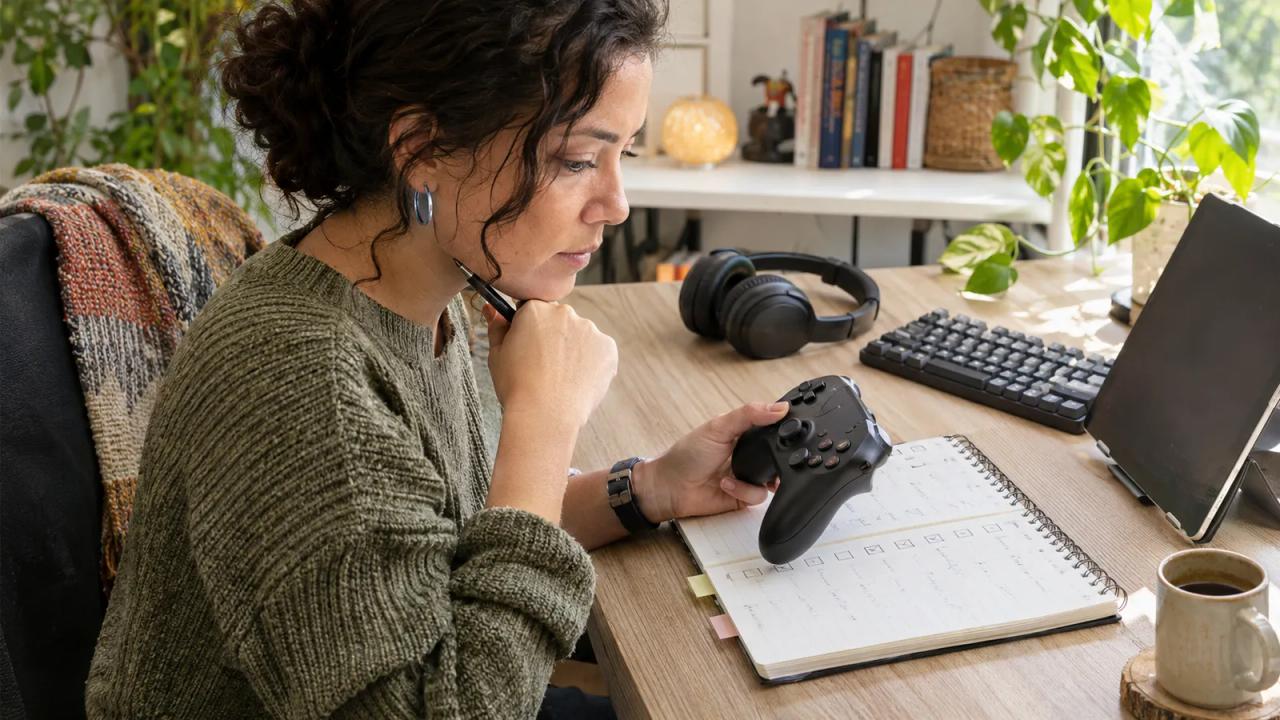
For a YouTube Playables review, name the specific accessibility feature, record the setup you checked, and show what the feature actually does. A tag helps a viewer find relevant information; your video should preserve that precision instead of turning one setting into a promise about the whole game.
Imagine Nia, the fictional host of Small Screen Play, planning a short explanation of input remapping. She uses the invented game Harbor Puzzle to make the production decision concrete. The card below is a filled rehearsal plan, not a report that this game exists, carries a tag, or passed a live test.
| Review decision | Filled fictional feature card | Evidence to collect |
|---|---|---|
| Viewer question | Can I change the key used for one movement action? | The game's own control settings |
| Candidate feature | Basic Input Remapping, if listed for the selected real game | The exact displayed tag and its definition |
| Proposed setup | Web browser, physical keyboard, one repeatable puzzle passage | Browser, device, input method, and check date |
| Comparison | Show the default binding, the reassignment, and the same action afterward | A continuous recording of the change |
| Claim boundary | Describe only the feature and setup actually checked | No claim about every device or player |
| Release decision | Hold the demonstration until the actual game and controls are verified | Reviewer approves the final spoken sentence |
YouTube's November 2 Playables announcement introduces 24 tags covering input, audiovisual options, and gameplay adjustments. Rechecked against the official guidance on November 9, this guide turns that update into a focused creator review plan; it supplies no game recommendation or hands-on finding.
Start with one viewer decision
Choose a question that a short demonstration can answer. “Can I reassign this action in the game?” creates a different check from “Can I read its subtitles comfortably?” Combining both into a quick verdict makes it harder to see which part you actually examined.
Write the question beside the shot list. Name the action, setting, and environment involved. Nia's proposed clip concerns one keyboard binding. It does not assess touch controls, every menu, or another person's requirements.
Give the viewer useful context without asking them to disclose a diagnosis. Explain the available control and its observed behavior. Someone can then decide whether the information helps them investigate their own setup. Your preference during a recording is not a substitute for their experience.
Read the tag before opening the game
YouTube says a game's information panel shows its supported tags on mobile and web. Open the panel for the actual title you intend to cover and preserve the precise label you find. Do not borrow a tag from a similar game or infer one from a promotional image.
Then read the Accessible Games Initiative implementation reference. Its requirements explain distinctions that a broad paraphrase can lose. For example, its input-remapping guidance differentiates basic and full remapping, and a system-level workaround does not establish that the game itself provides the required control.
These are game feature labels, not new hashtags that a video creator adds in YouTube Studio. The announcement's developer-portal instructions concern publishers of Playables. Keep that role separate from reviewing a game.
Record a setup someone can understand
Before filming, note the real game, device, browser or app, input method, relevant settings, and check date. Add any account or availability restriction that affects what you can see. If a control is absent in your environment, record that absence rather than inventing the menu from a launch image.
Choose a short passage you can repeat without changing several variables at once. For the fictional Harbor Puzzle plan, Nia would use one movement action at the start of the same puzzle, with the rest of the control scheme left alone.
Keep private account details out of the recording. The viewer needs the environment and action being checked, not your email address. If another player helps review the explanation, agree on what their contribution may reveal before it appears in an export.
Show the change and the resulting action together
A useful sequence connects three observations: the original setting, the change you made, and what happened when you used it. Avoid cutting directly from a settings screen to a successful-looking gameplay moment recorded under different conditions.
In Nia's proposed sequence, the camera first shows the existing binding, then the selected replacement, then the corresponding movement. The intended comparison is narrow enough that an unexpected result can remain visible. A failed or incomplete check is information to investigate, not footage to quietly remove.
A feature's presence and your ability to use it are separate observations. Explain both at the scale your recording supports. An input feature can work in one tested passage without that passage proving the behavior of every action, menu, or game state.
Write a sentence that fits the evidence
Draft the narration after reviewing the actual recording. If the check succeeds, a suitably bounded sentence would identify the game, environment, reassigned action, and observed result. If you only inspected a listed tag, say that you inspected the listing.
Avoid a sweeping “fully accessible” verdict. It erases differences between features and between players, and it claims a wider evaluation than this small exercise provides. Similarly, a tag missing from the panel does not by itself prove that a feature is absent from every version.
Keep labels and observations distinguishable in captions. A viewer arriving at a short excerpt should understand whether they are seeing a platform listing, an official definition, or your own test. Link the source definition so the phrase remains checkable after the clip is shared.
Publish the limits beside the useful result
Review the exported video for readable labels, understandable narration, and enough context to follow the comparison. Keep the check date and setup near the finding. If a game update changes the behavior, the saved feature card gives you a specific observation to revisit.
For adapting the written planning process, see the o1 guides, current specifications, and o1 AI workspace. The physical o1 device remains in development. This article establishes no game testing, accessibility certification, or Playables publishing integration through o1.
Choose one real game's information panel today. Write one viewer question, read the relevant definition, and plan the smallest demonstration that could answer it honestly.