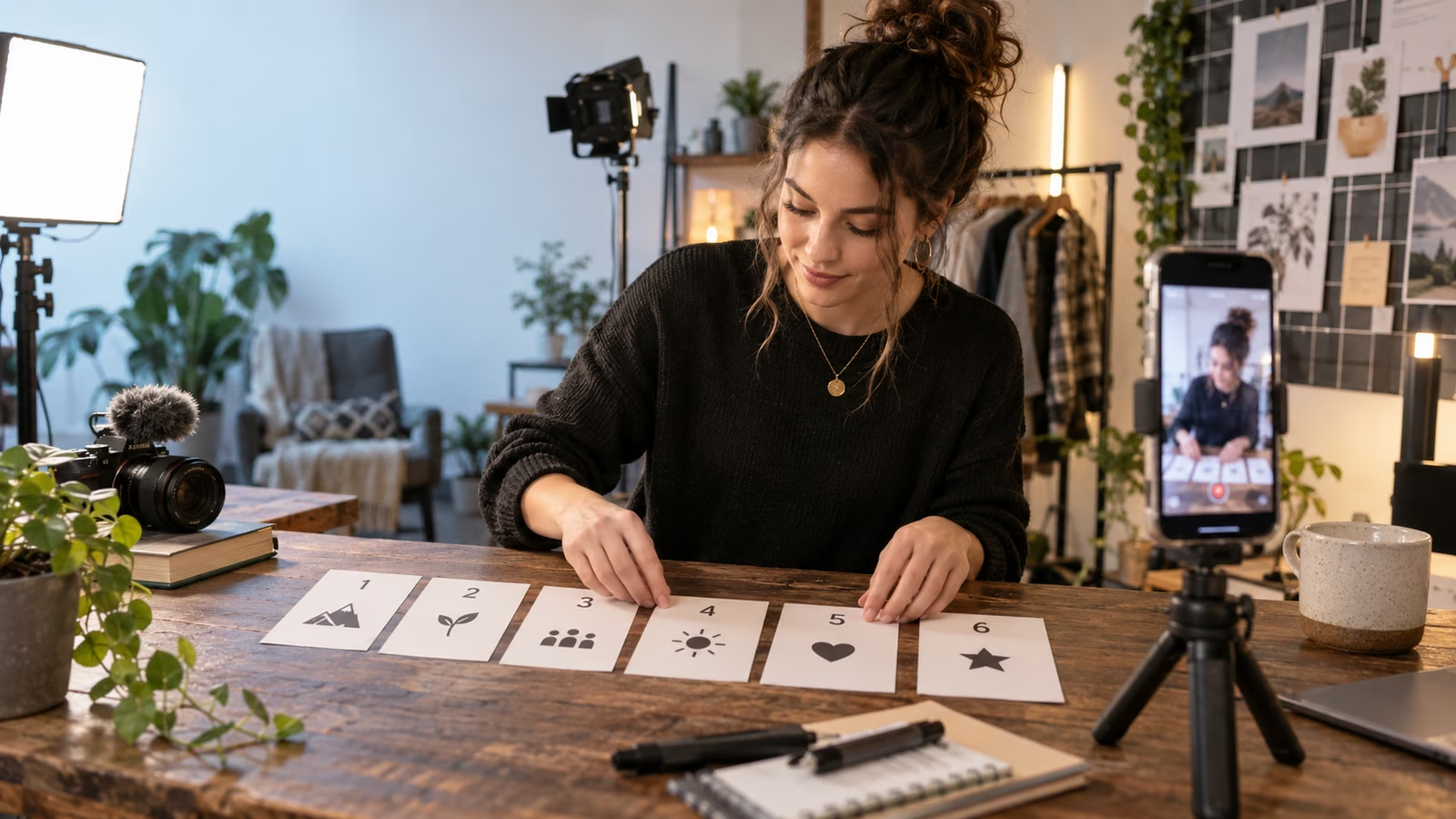
A six-part series should not be one tutorial sliced at arbitrary timestamps. Each Short needs a complete payoff, while the season needs a reason to continue. Start with a visible outcome that can support six honest variations: six renter-friendly lighting fixes, six repairs on one thrifted jacket, or six meals from the same market basket.
YouTube's September 23 announcement, Connect with creators on the biggest screen with YouTube's latest features, says Shorts series let creators organize vertical episodes into seasons with sequential playback and custom thumbnails. YouTube reported that microdramas passed 6.5 billion views in the first half of 2026, with watch time up more than 50 percent year over year, while TV views grew more than 90 percent. Those platform figures describe a broad format trend, not a forecast for an individual channel.
The current YouTube Help guide for creating shows explains that a Shorts series must contain only Shorts, with portrait or square videos no longer than 180 seconds. Creators can choose serial ordering for episodes intended to be watched in sequence, add seasons, and provide show artwork. Availability and eligibility can vary, so confirm the Shows controls in the actual Studio account.
Growit o1 is an expressive pocket AI device in development. Its current Sight workflow is an owner-triggered connected beta that requires a compatible connected service after setup. Final capabilities, supported services, pricing, and availability will be announced before sales open. In this guide, o1 is a deliberate review prompt rather than an autonomous publisher, account operator, or source of guaranteed performance.
Give every episode one result, every ending one useful reason to continue, and the season one promise it can actually keep.
Write the season card before episode one
Use a one-page artifact that makes the structure visible.
| Episode | Viewer result | Proof on screen | Bridge to next episode |
|---|---|---|---|
| 1 | See the starting constraint | Full before shot | Choose the first fix |
| 2 | Test the cheapest change | Controlled comparison | Reveal the remaining flaw |
| 3 | Add one tool or technique | Same camera position | Invite a harder variation |
| 4 | Show the failure case | Unsuccessful attempt included | Explain the correction |
| 5 | Combine the working parts | Side-by-side sequence | Set up the final challenge |
| 6 | Deliver the complete result | Before, process, and after | Point to the full season or guide |
Write the season promise in one sentence. If one episode cannot connect to that sentence, move it to another project.
Make each Short independently useful
A viewer may meet episode four first. Open with the local problem, not a recap that assumes prior viewing. Show the result or tension in the first screen, name the constraint, then demonstrate the step. Use the episode number as navigation, not as the hook.
For a lighting series, episode four could begin: “This white wall made the webcam flatter, so I moved the lamp closer and lowered it.” That works for a new viewer and still advances the season.
Use the Growit hook analyzer to test whether the opening makes a concrete promise. Reject hooks that exaggerate the result beyond the footage.
Hold the visual grammar steady
Choose a repeatable opening frame, caption placement, camera distance, sound cue, and proof shot. Consistency helps a returning viewer recognize the series, while a changing result keeps the frame from becoming wallpaper. Keep essential text away from interface overlays and check captions on a small phone screen.
YouTube's help page recommends clear show artwork and allows unique custom thumbnails for individual Shorts. Create a master poster, backdrop, and thumbnail system, then test the files in Studio rather than assuming a desktop crop matches mobile or TV.
Plan continuity without fake suspense
End on an unresolved production question the next episode actually answers. “The cheap reflector fixed the shadow, but it created glare; next we test the angle” is an honest bridge. “You will not believe what happens” is weak when the next video contains an ordinary adjustment.
Record all six episode cards before publishing the first. You do not need to finish every edit, but you should know the proof, limitation, and bridge for each episode. This prevents a popular first clip from pulling the series into a promise the team cannot complete.
Publish in a measurable rhythm
Choose a cadence the team can sustain, label the season and episode numbers accurately, and verify that the playlist contains only eligible Shorts. Record publication time, viewers who reached the next episode where available, retention at the proof moment, comments asking for clarification, and saves or shares that suggest utility.
Do not compare a new episode only with the channel's largest historical Short. Compare episodes within the same season and account for age, topic, and distribution differences. Use the Growit YouTube title generator after the episode promise is locked, then manually keep the title specific.
Finish with a season review
After episode six, assemble one page: the strongest viewer question, the clearest proof shot, the biggest drop in understanding, one correction, and one premise worth another season. Do not extend a weak idea because the container exists.
The best series artifact is not six numbers on thumbnails. It is a sequence where each result earns the next tap and the complete season leaves the viewer with a usable transformation.