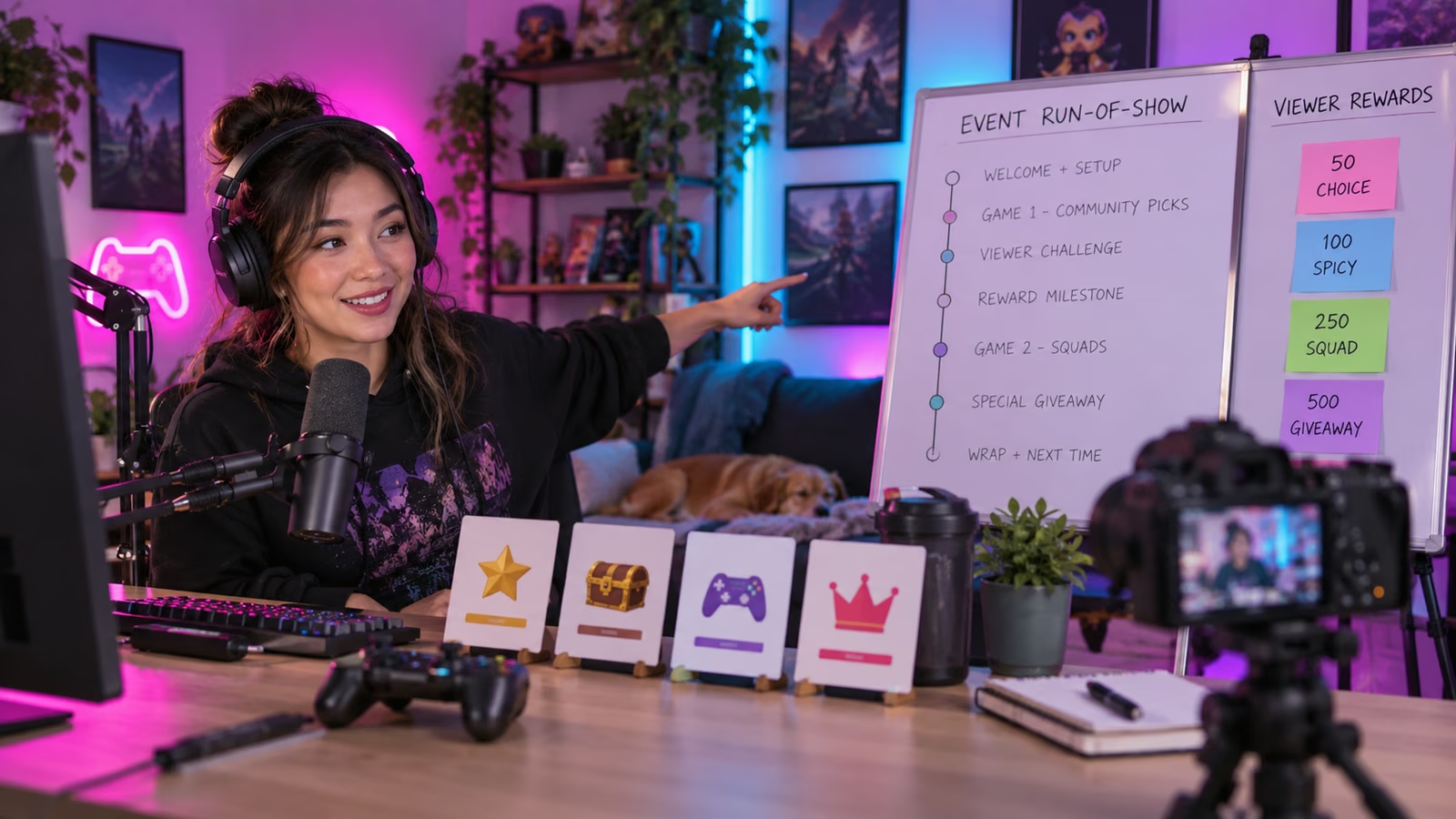
A Drops stream fails when the reward is the only reason to watch and the instructions are too vague to earn it. The creator's job is to make participation legible: what game is live, what viewers can do, what progress means, when the reward ends, and what happens if delivery fails. Build that run of show before the countdown starts.
Twitch's September report, Twitch State of Gaming 2026, says streams using the DropsEnabled tag generated 1.6 billion hours watched from January through September 1, up 46 percent, across more than 7,500 Drops campaigns. Twitch also reported participation across channels rose 40 percent and 40 million users participated and claimed Drops. These aggregate figures describe Twitch's measured period and do not guarantee results for one channel, game, or event.
The current Twitch Help guide for Drops says developers decide which channels are eligible, viewers earn progress only on live streams rather than VODs, and eligible creators can manage participation in Creator Dashboard under Viewer Rewards and Drops. The DropsEnabled tag is applied automatically when the active campaign, game category, opt-in state, and channel eligibility align.
Growit o1 is an expressive pocket AI device in development. Its current Sight workflow is an owner-triggered connected beta that requires a compatible connected service after setup. Final capabilities, supported services, pricing, and availability will be announced before sales open. In this guide, o1 is a deliberate review prompt rather than an autonomous publisher, account operator, or source of guaranteed performance.
Explain the reward once, demonstrate the game repeatedly, and give the audience something meaningful to do between progress updates.
Build the run-of-show card
Use one page the host, moderator, and producer can read.
| Segment | Viewer action | Host proof | Backup |
|---|---|---|---|
| Welcome | Confirm account link and campaign window | Show official campaign details | Pin the help command |
| First match | Vote on loadout or route | Use the winning valid choice | Producer chooses if poll fails |
| Progress check | Open Drops progress panel | Restate live-only requirement | Link official inventory page |
| Community challenge | Predict or submit a safe prompt | Read clear rules and cutoff | Use pre-approved prompt list |
| Final window | Complete remaining eligible watch time | State end time accurately | Never promise manual credit |
Add moderator cues, sponsor disclosure, break times, and the exact category the stream must use.
Verify eligibility before promotion
Open the Creator Dashboard and confirm the campaign appears, the channel is eligible, Drops are enabled, and the selected game category matches. Test account-link instructions from the official campaign surface. Record start and end times with the time zone.
Do not design your own reward rules from a rumor, social post, or another creator's stream. Game developers define the campaign. If reward inventory, countries, platforms, or accounts have restrictions, explain them before viewers commit time.
Give viewers a role beyond waiting
Plan low-friction choices that affect the stream without breaking the game or excluding newcomers. Let chat choose between two legal builds, vote on the next map, predict a boss attempt, or submit questions for a fixed review segment. State the rules and moderation boundary before opening participation.
The creator should still deliver a coherent show for viewers who do not want the reward. A match, explanation, challenge, or story arc gives the stream value after the campaign ends.
Use the Growit stream title generator to explore clear packaging, then manually include only current campaign details. Read o1 privacy and connection boundaries before planning an owner-triggered checkpoint.
Explain progress without overpromising support
Show viewers where Twitch exposes progress and where rewards are claimed. State that live viewing is required under the current help guidance. Avoid telling viewers to refresh repeatedly, open many streams, or use artificial traffic. If a viewer reports missing progress, direct them to the official campaign and account-link steps instead of promising a creator-side fix.
Prepare a moderator response for common problems: wrong account linked, unsupported platform, campaign not active, stream in the wrong category, or progress not yet visible. Keep personal account details out of public chat.
Measure the moments, not only the peak
Mark the time of each segment and later compare concurrent viewers, unique chatters, follows, subscriptions where relevant, retention after the progress explanation, and questions that exposed confusion. Use Twitch's own analytics with a defined window and avoid attributing every new follower to the reward.
Compare the Drops event with similar streams by game, day, and duration. A large peak followed by a sharp exit can still teach you that the show failed to hold attention after the reward milestone.
Rehearse the failure path
Before going live, practice the opening, progress explanation, poll, break, and closing. Keep a local copy of rules and sponsor language. If the campaign does not appear, the category changes, or reward progress stops, say what is known, stop repeating unsupported advice, and continue with the planned show or end the promotion.
After the event, save the final run of show, campaign details, live URL, timestamps, moderation notes, and measured lessons. The reward can bring people through the door. A clear, participatory broadcast gives them a reason to stay.