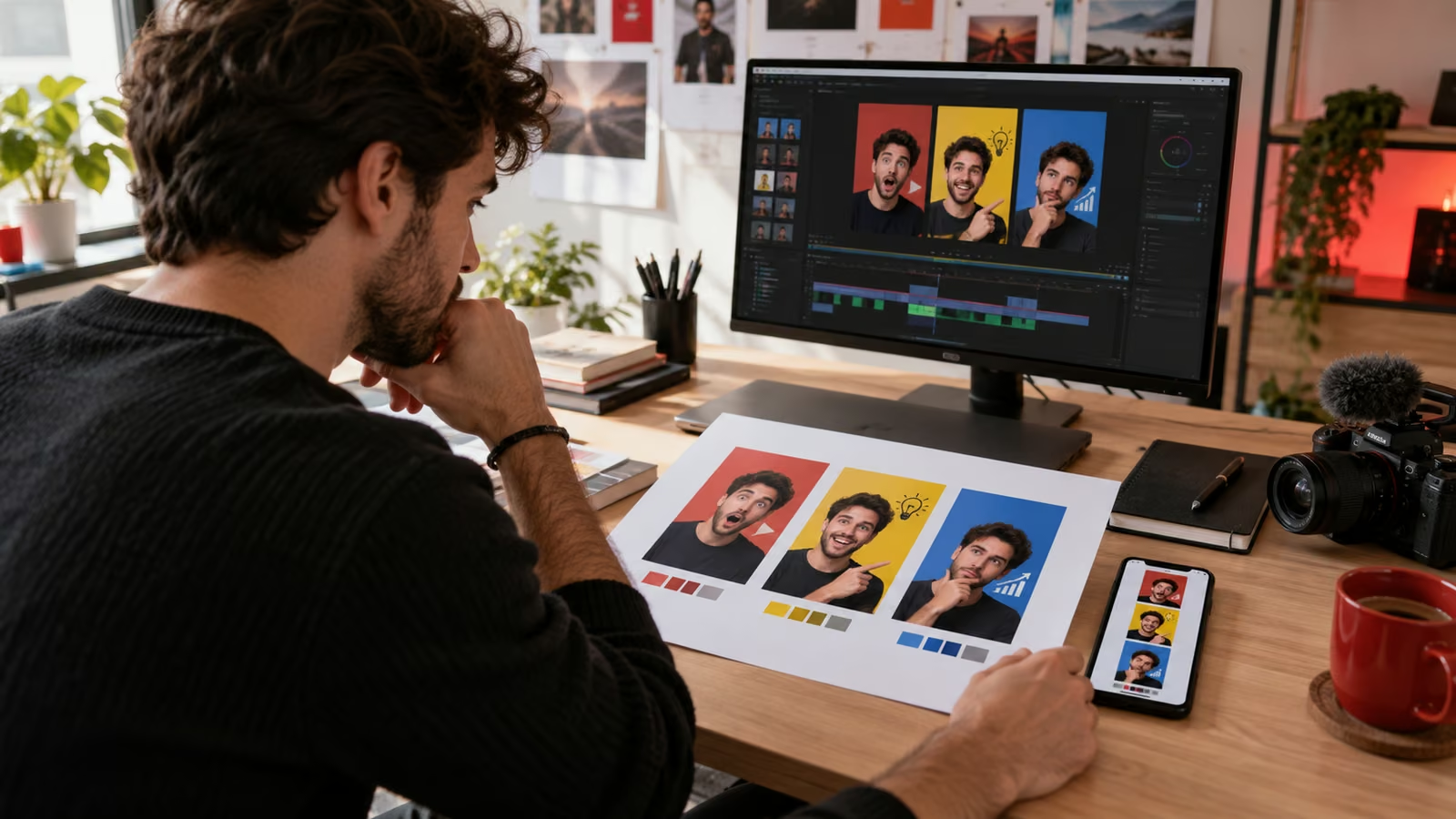
A vertical video is ready, but the frame YouTube picked shows a blink and a half-hidden product. The old workaround was to hunt for a usable frame. YouTube's July update changes that decision for eligible creators: a custom image can now carry the promise of a Short. The useful work is not decorating a frame. It is proving that one image communicates the right expectation on a small screen.
YouTube's custom thumbnail update says creators in the YouTube Partner Program can upload fully custom Shorts thumbnails from desktop. The current thumbnail help page explains account verification, suggested formats, aspect ratios, and daily limits. Availability can depend on account eligibility and product rollout.
Growit o1 is an expressive pocket AI device in development. Its current Sight workflow is an owner-triggered connected beta that requires a compatible connected service after setup. Final capabilities, supported services, pricing, and availability will be announced before sales open. In this guide, o1 is a deliberate review prompt rather than an autonomous publisher, account operator, or source of guaranteed performance.
A thumbnail earns the click only when the video delivers the same promise. Treat packaging and opening footage as one system.
Build a four-frame proof sheet
| Frame | Question it must answer |
|---|---|
| Result | What useful outcome will the viewer see? |
| Tension | What problem or contrast makes the outcome matter? |
| Identity | Who is speaking, demonstrating, or reacting? |
| Context | What object, place, or interface makes the idea concrete? |
Export four rough concepts before polishing one. Put each on a phone-size canvas and give a reviewer three seconds. Ask what the video is about, who it is for, and what they expect in the first five seconds. If the answer depends on reading tiny text, the concept is not ready.
Keep the focal subject large and the background quiet. Use one short phrase only when the image cannot carry the distinction alone. Avoid platform badges, fake controls, misleading reaction faces, and screenshots that reveal private account information.
Match the thumbnail to the opening
Write the thumbnail promise in one sentence. Then watch the first five seconds without sound. The subject, problem, or result should appear immediately. If the thumbnail shows a finished cake but the Short opens with a long introduction, move the proof forward or choose a more honest image.
Use Growit's Shorts idea generator to draft three distinct viewer promises, then compare each promise with the actual footage. Review o1 creator guides before using an owner-triggered connected checkpoint around unpublished assets.
Protect the crop and accessibility
YouTube recommends a vertical 9:16 image for Shorts. Test the thumbnail at multiple sizes and account for interface overlays. Keep faces, product details, and essential text away from edges. Check contrast on a dim display and in grayscale. Write descriptive alt text in the publishing record even when a platform does not expose it directly; the description helps collaborators, asset libraries, and future site reuse.
Use original or properly licensed imagery. A custom thumbnail still follows Community Guidelines, and repeated upload limits can apply. If a concept involves health, money, or a dramatic before-and-after, make sure the visual does not imply a result the video cannot support.
Record the packaging decision
Save the four concepts, final choice, date, and reason. After publication, compare relevant click and watch signals against recent Shorts with similar topics. Do not call a result from one upload. Seasonality, distribution, subject, and the opening can all change performance.
Change one packaging variable at a time when possible. A useful note might read: “The result-led image was readable at 160 pixels and matched the first shot; the text-heavy version failed the three-second test.” That note is reusable even if the Short performs below average.
Run the final five-minute check
Open the live preview on desktop and phone. Confirm the selected image, title, disclosure, audience setting, caption, and destination link. Rewatch the first five seconds and confirm that the proof appears where the packaging promised it would.
The best custom thumbnail is not the busiest or most dramatic. It is the clearest honest invitation to a Short that fulfills the expectation immediately.