
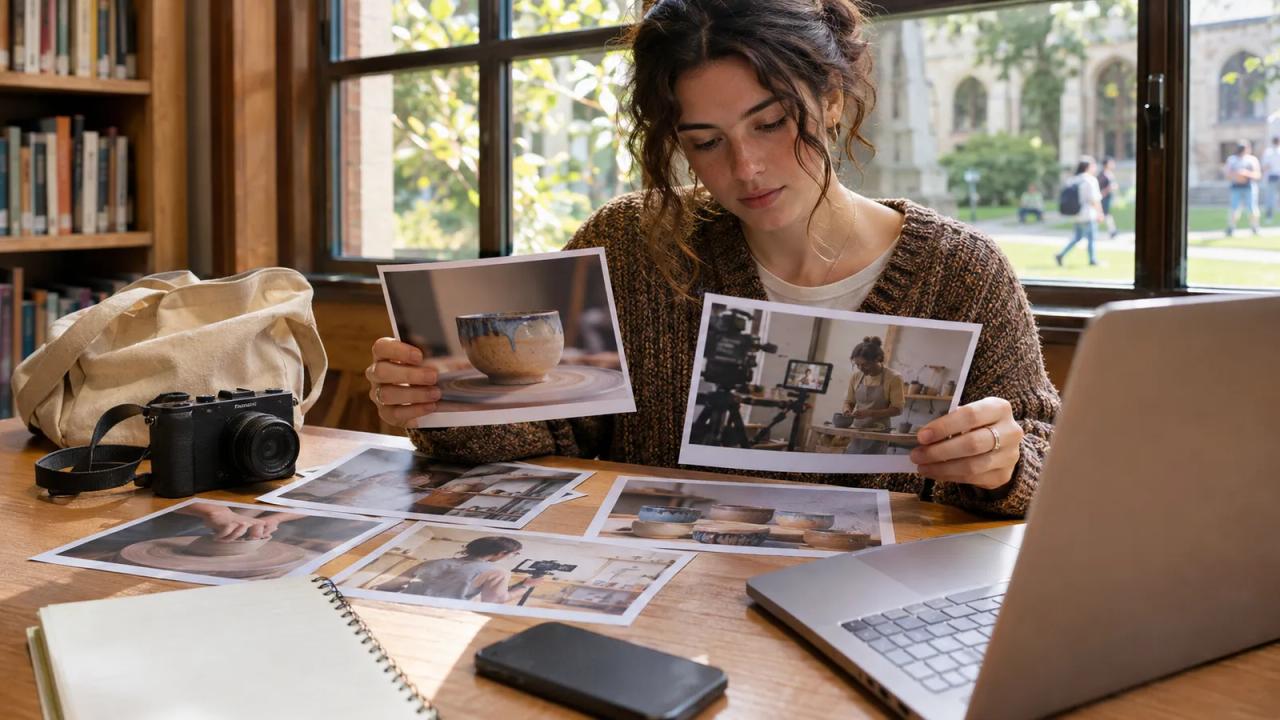
Prepare a small, dated evidence pack before applying to Facebook's Creator Fast Track College Edition. Keep the official eligibility check separate from your own clip list and production calendar. The pack helps you assess your situation and find the material you need without treating preparation as approval.
Meta's November 13 update introduces College Edition for U.S.-resident college creators with at least 1,000 followers on Instagram, TikTok, or YouTube who apply using a valid .edu email address. Other requirements and program terms still apply.
Rina, a fictional student who films small ceramics projects, is considering an application. This is her personal preparation sheet, not a list of official form fields. No follower count, program acceptance, or payment result is claimed for her.
| Pack item | Rina's fictional preparation choice | Why she keeps it |
|---|---|---|
| Program reference | Save the official College Edition announcement and check date | Identify the edition she intends to investigate |
| Channel identity | Record the handle and public profile URL she uses | Keep the application tied to the intended account |
| Dated activity | Save the available follower and recent-view evidence privately | Compare current account information with the official criteria |
| Original footage | List three owned ceramics recordings and their source files | Find work she can actually edit and publish |
| Production calendar | Mark recording, editing, and review time around classes | Test whether a posting commitment is practical |
| Application record | Keep her own submission date and any official confirmation | Distinguish preparation, submission, and acceptance |
Check College Edition and the current program page
Start with the College Edition update, then read the current Creator Fast Track page. The general page lists an age minimum of 18, a Facebook Page, an account at least 30 days old, and recent Facebook posting restrictions. It also lists external-channel view thresholds alongside follower bands.
Those general criteria do not replace the College Edition announcement's U.S. and .edu conditions. Review the actual application flow and current terms for the edition you are applying to, including how it checks recent activity. If a requirement is unclear, keep it unresolved in your notes rather than declaring yourself eligible.
Record the date beside each check. Meta's public material describes an application process and retains discretion over eligibility. A completed preparation sheet does not settle the platform's decision.
Keep channel evidence clear and private
Write the public handle exactly as it appears on the platform, then open its profile link while signed out or in another browser profile. Confirm it reaches the channel you intend to submit.
Use the platform's available analytics views to locate the periods and measures requested by the current application. Note the date range beside any screenshot you keep. A follower total and a recent video-view total answer different questions, so label them separately.
Store those records in your own private folder. Share only information the official process requests. Keep account passwords and private inbox contents out of this planning sheet.
If a number changes before you apply, update the dated record. Avoid silently mixing screenshots from different periods to produce a stronger-looking account summary.
Choose work you can trace to a source file
Rina starts with a bowl-shaping demonstration she recorded herself. Her clip list connects the camera file, the edit project, and the proposed export. When another person appears or supplies material, she records what permission she needs before using it.
Meta's original-content guidance identifies directly filmed or produced creator content as original. It also explains that low-value changes to someone else's post do not make that work original.
Choose a few clips whose origin you can explain plainly. Check music, photographs, graphics, and other contributions separately from the fact that you operated the camera. Remove an unresolved asset from the candidate edit while you clarify its permitted use.
Keep the clip list useful beyond this application. It should help you find the next edit, handle a correction, and answer a collaborator's question about where a shot came from.
Test the calendar against your actual week
Place your class schedule and existing commitments beside the proposed production calendar. Mark a recording session, an editing block, a review, and time for publishing. Count the slots you can maintain without assuming every session will go perfectly.
The program page's current payout instructions describe 15 eligible Reels across ten separate days per month. Review the complete conditions that apply to your account before treating that schedule as a commitment. Entry-level follower eligibility does not mean every applicant receives a fixed monthly bonus.
Rina uses one existing demonstration to estimate her editing workload. She writes down the tasks still needed, including captions, sound review, and an export check. This is a planning exercise, with no claim that the clip qualifies for a program or that republishing guarantees distribution.
If the calendar cannot fit your actual week, reconsider the commitment before applying. Keep a realistic plan even when the surrounding launch news makes the opportunity feel urgent.
Record what the application actually says
Open the application from the official program page in your own account. Read each requested field and the terms presented there. Compare the account identity with your preparation sheet before you submit.
Keep a simple status record using separate entries for preparing, submitted, and accepted if an official acceptance arrives. Save the confirmation the service provides, including any conditions or next steps. Do not change the status because an application page loaded successfully or because a general eligibility checklist looks promising.
If the process asks for information you have not verified, return to the source rather than filling the gap with an estimate. Your personal pack is there to make that pause straightforward.
Start with one finished, useful Reel
Whether you apply immediately or later, finish one clip that serves its intended viewer. Rina's example would show one complete ceramics step, with enough context for a beginner to follow it. Review the exported video on a phone and confirm that captions, framing, and sound agree.
Use the o1 guides and browser o1 AI workspace to organize a written clip brief and calendar. Account checks, application decisions, filming, editing, and publication happen in your own platform and production tools. The physical o1 device is in development, as described in the current o1 specifications.
Make the dated eligibility note first. Then choose the one original clip you can finish honestly within the week you actually have.