
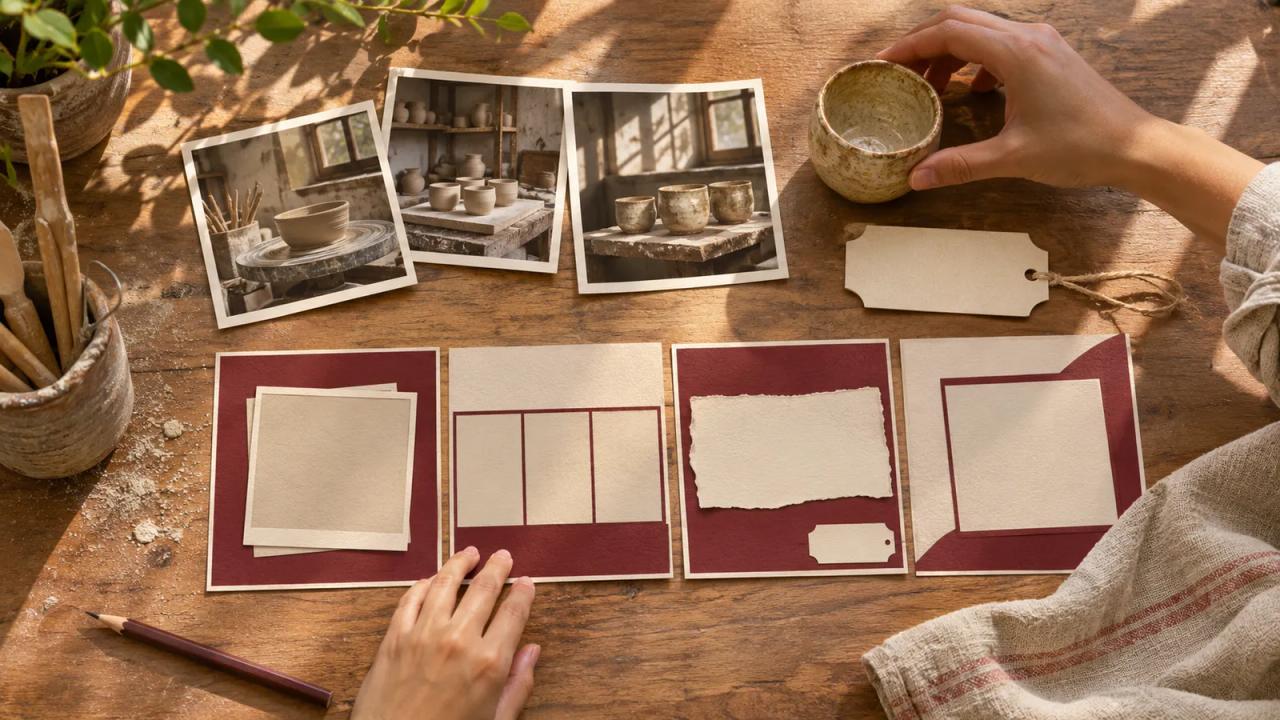
Choose one object with a story you can document, gather your own source photographs, and arrange six frames around what changed. Keep each caption close to its source so the finished carousel feels like a small, understandable archive.
Owen, a fictional pottery teacher, is preparing a post about a mug that shaped his beginner workshop. He has an early sketch, a photograph of the first attempt, and the finished object. The story is how he made the handle easier to hold.
| Story frame | Owen’s fictional source | Caption’s job |
|---|---|---|
| One: the object today | New photograph of the finished mug | Identify the object and the question |
| Two: the first idea | His original handle sketch | Explain what he wanted to make |
| Three: the first attempt | His workshop photograph | Show the problem he noticed |
| Four: the change | A later photograph of his hands shaping clay | Describe the adjustment |
| Five: the useful detail | A close photograph of the finished handle | Show the difference the story concerns |
| Six: the invitation | A plain card beside the mug | Offer the relevant next lesson |
This is a fictional story plan. It illustrates a publishing exercise and makes no claim about a real workshop result.
Canva’s November 18 forecast for 2027 includes Archive Era, a direction built around preserving photographs, letters, objects, and other personal records. Use the trend as a prompt to find a story you can substantiate.
Find a change the sources can show
Start with the object, then ask what happened around it. Owen can explain the handle adjustment because he kept the sketch and workshop photographs. The sources give the sequence a beginning and a visible change.
Write that sequence in three sentences before designing anything. The first names the starting intention. The second describes the problem. The third explains the adjustment and points to the finished detail. Each sentence should connect to something in the source folder.
If the available material supports only a memory rather than a precise sequence, say so in the caption. A personal recollection can be useful when readers understand what kind of evidence they are seeing.
Sort the originals before arranging the collage
Copy the selected files into a working folder while keeping the original captures intact. Give each working copy a name that matches the frame plan. Keep a note of who made the image and what it shows.
Check whether a photograph includes a person who expected a private workshop moment. Agree on the intended public use before placing it in the carousel. Crop unnecessary personal details from the working copy and review the resulting context.
Owen chooses three workshop photographs and makes two new pictures of the mug. The sketch supplies the remaining source. He leaves out a busy group photo because it would introduce people and questions the six-frame story has no room to explain.
Borrow the archival feel with restraint
Canva’s 2027 Design Trends hub presents Archive Era through keepsakes, paper textures, and archival typography, with resources to explore. Pick a visual treatment that helps readers distinguish the source material from your new captions.
Owen chooses cream cards with a burgundy border and leaves generous space around the photographs. A small paper texture belongs to the surrounding card. The original photograph remains clear enough for a reader to examine its handle.
Use the same caption position across the sequence. If you add a decorative label or border, check that it cannot be mistaken for a date or annotation that existed on the original. A newly designed frame should remain understandable as part of the present-day presentation.
Write captions that preserve the sequence
For each frame, identify what the reader is looking at and why it belongs here. “My first handle sketch” gives the drawing a role. A second sentence can explain the design intention without asking the image to carry the entire argument.
Check any dates against records before using them. When an exact date is unnecessary or uncertain, a description such as “the first workshop attempt” may serve the story better. Keep your certainty consistent between the caption and the source note.
Read the captions in order without looking at the images. The progression should still make sense. Then look at the images without the captions and note which part needs a closer view. Resolve that gap in the frame or the explanation.
Review the six exported frames together
Place the exported frames in sequence on a phone. Check the opening object, caption size, and crop on every frame. A close view that reads clearly on a desktop can become an unidentified curve at a small size.
Ask a reviewer to describe what changed between the first attempt and the finished handle. Give them time to point to the relevant frames. Use their response to find a missing explanation, rather than treating a single review as evidence of audience demand.
The forecast draws on activity within Canva’s community. It offers creative direction, rather than a prediction of how your own followers will respond. Judge this carousel by the clarity of the specific story you assembled.
Publish with a source trail you can keep
Deliver the six final files with their approved order and caption text. Keep the source notes beside the working design so another person can correct a caption or replace a crop without reconstructing the project.
The closing frame should follow naturally from the story. Owen’s invitation points to the beginner lesson on making a comfortable handle. It names the lesson and tells interested readers where to find the details.
Use the o1 guides and browser o1 AI workspace to organize the written story outline. Photographing, designing, exporting, and publishing happen with your own camera and chosen tools. The physical o1 device remains in development, as explained in the current o1 specifications.
Open one folder of your own work, choose an object and a documented change, and fill the six-frame plan before choosing a template.