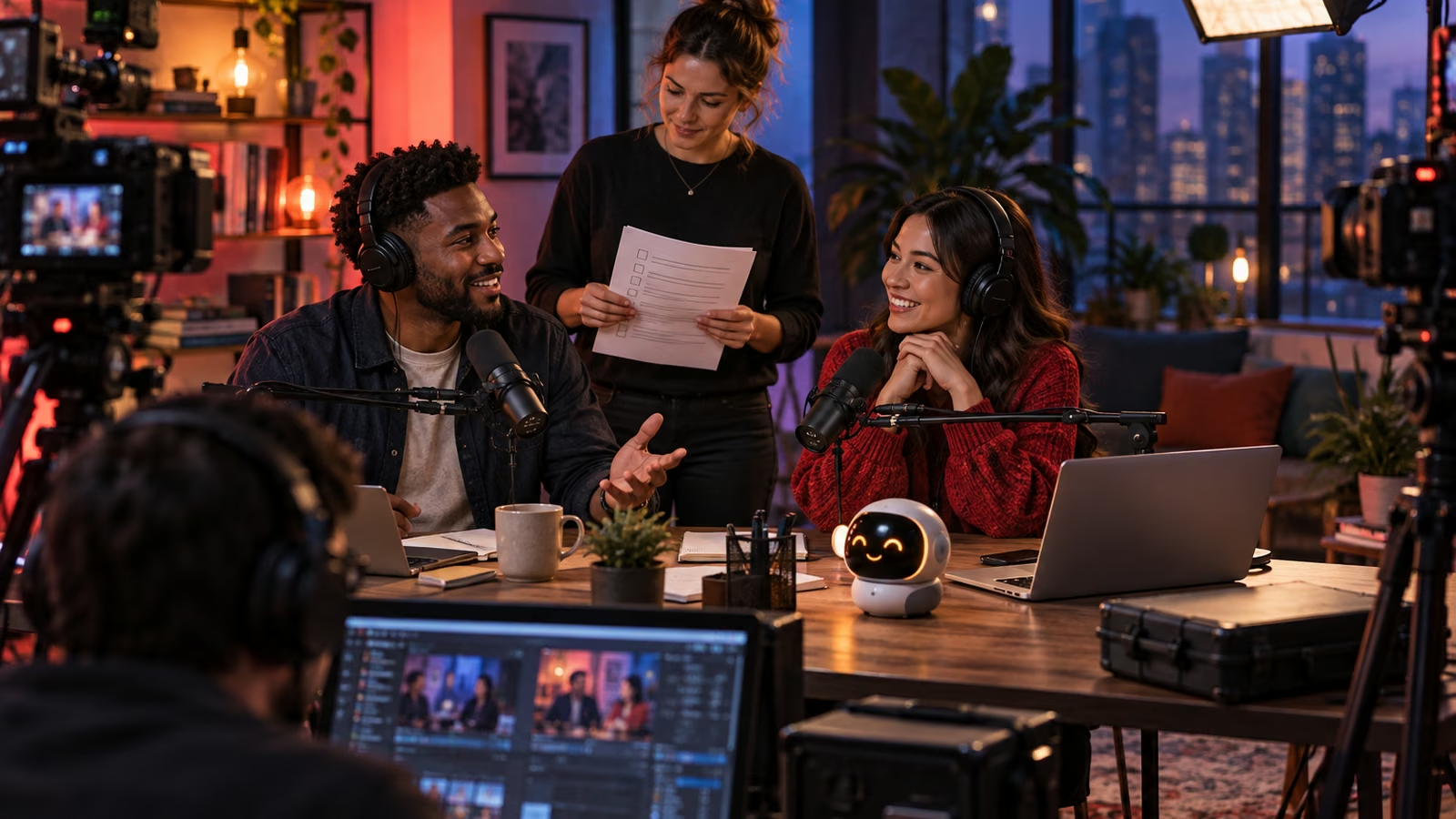
YouTube is expanding Live with co-hosting and shared viewing ideas, and it has announced future pilots for live auto dubbing and competitive show formats. Those features can make a show feel more collaborative, but they also create more places for a live production to fail: unclear control, uncertain clip rights, divided moderation, mismatched sponsor terms, and no recovery path. Write the runbook before inviting the co-host.
YouTube's Live product announcement distinguishes current direction from features planned for 2027, including a Live auto-dubbing pilot and showdowns. Confirm what is actually enabled in your account. The official manage live stream settings guide explains current controls and should be the operating reference during setup.
Growit o1 is an expressive pocket AI device in development. Its current direction includes owner-triggered camera and vision input, an expressive on-device face, and optional connected experiences after setup. Final capabilities and supported services will be announced before sales open. This article uses o1 as a deliberate rehearsal checkpoint; it does not claim o1 can moderate, translate, stream, accept payments, or operate a YouTube channel.
A live show needs one command map: who can start, stop, speak, moderate, approve money, clear rights, and call the recovery.
Name one accountable producer
Assign a show owner who has final authority over timing, safety, sponsorship, and stopping the stream. Then name the technical operator, host, co-host, moderator, caption or language reviewer, and backup contact. One person can hold more than one role, but every role must have a named owner and backup.
Do not share the primary channel password. Use the access and delegation controls available to your account, enable strong authentication, and remove temporary access after the event. Rehearse with the same permissions planned for the real show so a guest does not discover missing controls on air.
Put the live rights on one page
A co-host appearance creates more rights questions than a casual call. Record who owns the live feed, replay, clips, thumbnails, transcript, translated audio, sponsor segments, and paid promotions. State where each party may repost, whether edits are allowed, how long rights last, and how takedown or correction requests work.
| Decision | Owner | Backup or limit |
|---|---|---|
| Start and stop stream | Producer | Technical operator can stop for safety |
| On-air claims | Host | Co-host flags uncertainty live |
| Chat moderation | Lead moderator | Second moderator handles escalation |
| Sponsor disclosure | Host | Producer confirms placement before air |
| Fan-funding terms | Channel owner | No improvised promises or giveaways |
| Replay and clips | Named rights owner | Written approval for partner reuse |
| Dubbing approval | Language reviewer | Publish original audio if review fails |
If revenue is shared, define the calculation, deductions, reporting date, payment date, refund treatment, and access to evidence. Platform tools do not replace the agreement between collaborators.
Rehearse three failure scenes
Run a short private or unlisted rehearsal for loss of guest audio, loss of host connection, and an unsafe or legally risky comment. Decide who fills, who communicates off air, when the stream ends, and what the holding screen or spoken line will say. Save phone numbers outside the streaming platform.
Use YouTube's documentation to confirm latency, DVR, chat, trailer, redirects, captions, and replay settings for the exact event. If you plan to send the same content to more than one platform, review the current YouTube simulstreaming help and verify that every destination and contract permits it.
At rehearsal, trigger o1 and ask: "From this approved runbook and owner-triggered view, list any role, cable, backup device, sponsor cue, or recovery card that is missing." Confirm the answer manually. Keep o1 out of private chats and account credentials.
Moderate for people, not only keywords
Write rules for harassment, impersonation, private information, spam, dangerous requests, and misinformation. Give moderators a clear ladder: hide, remove, time out, block, document, and escalate. Tell the hosts how a moderator will signal them without derailing the show.
Plan for participant wellbeing. A co-host should know what topics are out of bounds and be able to call a pause. If the show features a sensitive personal story, agree on questions and clip permissions in advance. Live energy is not consent to unlimited reuse.
Treat dubbing as a reviewed edition
YouTube describes Live auto dubbing as a future pilot, not a generally available production guarantee. When language support arrives for your account, assign a fluent reviewer for names, product claims, jokes, safety instructions, and sponsor language. Explain that a voice is translated when that context matters. Preserve the original and a correction path.
Do not promise identical meaning across languages without review. A clean technical translation can still miss cultural context or change a regulated claim. Start with one language and one bounded segment before expanding.
Close the show with evidence
After the stream, preserve the approved settings, incident log, sponsor markers, revenue records, and clip decisions. Review the replay before promoting it. Correct the description or remove a segment when needed, and record why. Send the co-host the agreed report rather than a screenshot without context.
Use the Growit sponsorship finder to organize prospect research before a sponsored show, then put every commercial term in the runbook. Review the o1 creator guides for more deliberate production checkpoints.
The best first co-host stream is intentionally small: one guest, one topic, one moderator, one sponsor at most, and one rehearsed recovery. A clear runbook lets the people be spontaneous without making the production careless.