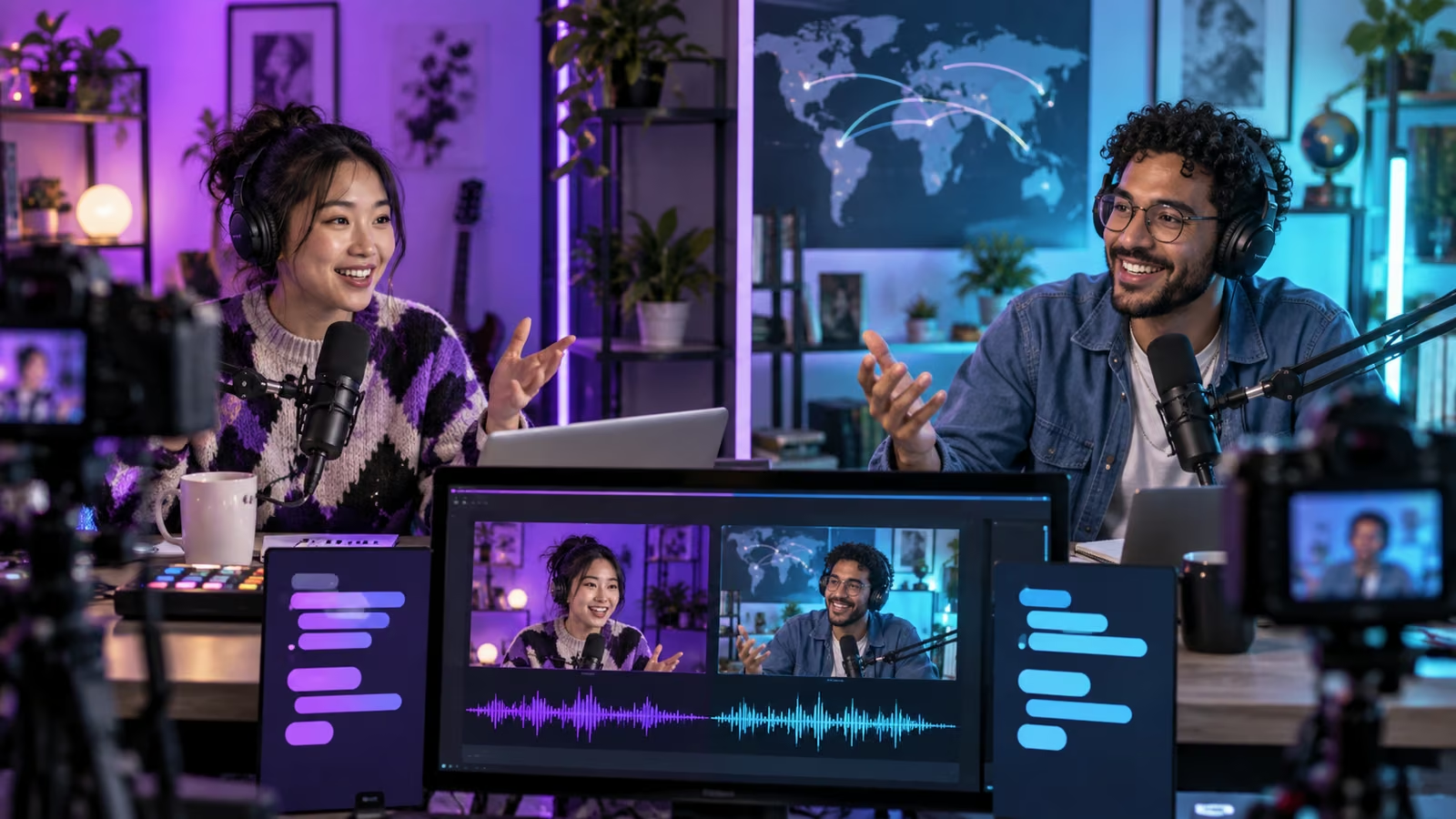
A bilingual livestream can fail while every camera stays online. A product name is translated literally, a guest answers before the dubbed question finishes, and moderators in each language apply different rules. The fix begins before broadcast: assign one meaning owner, rehearse the handoffs, and keep a fallback path that works when automated dubbing is delayed or unavailable.
YouTube's September 23 overview, New YouTube Live tools for fan funding, dubbing and more, announced live auto-dubbing, co-host matchmaking, Watch With expansion, and Live Showdowns. YouTube said more than 40 percent of live watch time comes from viewers outside a creator's home country, while product details and rollout can vary by account and region.
The broader Made On YouTube 2026 page describes Live showdowns, auto-dubbing, and co-host tools as announced features. Check the creator dashboard and current help surfaces before promotion; an announcement is not proof that a feature is enabled for a specific channel.
Growit o1 is an expressive pocket AI device in development. Its current Sight workflow is an owner-triggered connected beta that requires a compatible connected service after setup. Final capabilities, supported services, pricing, and availability will be announced before sales open. In this guide, o1 is a deliberate review prompt rather than an autonomous publisher, account operator, or source of guaranteed performance.
Treat translation as a second live production track with its own owner, timing, moderation, and failure plan.
Build the language control sheet
| Item | Primary language | Dubbed-language rule | Backup |
|---|---|---|---|
| Names and handles | Use preferred pronunciation | Never translate | On-screen card |
| Product terms | Approved short definition | Use glossary wording | Host repeats slowly |
| Safety warning | Exact approved sentence | Human-reviewed translation | Pinned message |
| Sponsor disclosure | Required legal wording | Approved local version | Pre-recorded slate |
| Viewer questions | Moderator summarizes | Exclude private details | Text queue |
Give the sheet to both hosts and moderators. Mark words that the dubbing system may mistake for ordinary language. Include numbers, acronyms, game titles, place names, and calls to action.
Assign four live roles
The lead host keeps the story moving. The co-host watches handoffs and clarifies cultural context. The language moderator monitors meaning and chat confusion. The producer controls scenes, delay, and fallback audio. One person can cover two roles on a small show, but every role must have an owner.
Use Growit's stream title generator for packaging ideas, then rewrite the result for YouTube and each supported language. Review o1 privacy and connection boundaries before adding an owner-triggered prompt during a live workflow.
Rehearse the delay, not only the script
Run a private or unlisted test with the same microphones, network, browser, scenes, and co-host path. Speak one sentence, pause, and measure when the dubbed version begins and ends. Practice how the second host waits without creating dead air.
Test interruptions, laughter, music, overlapping speech, names, and audience questions. Confirm the original and dubbed audio remain understandable. If the platform exposes a language label or viewer control, show the audience where it is during the opening.
Moderate by shared policy
Write one rule set and translate it before the show. Moderators should know which jokes, slurs, personal questions, financial claims, and medical or safety statements require removal or escalation. Keep private viewer details out of spoken summaries.
Prepare a visible disclosure that automated dubbing may contain errors. When a viewer flags a mistranslation, acknowledge it, restate the intended meaning, and add the term to the correction log. Do not argue with the viewer while the show continues.
Design a graceful failure path
If dubbing stops, tell viewers which audio is authoritative. Switch to slower speech, human summaries at segment breaks, captions where available, or the primary-language stream. Avoid pretending a multilingual feature is active when it is not.
Keep sponsor promises, contest rules, safety statements, and purchase terms in approved written form. Automated dubbing should never be the only delivery method for material conditions.
Debrief by language
After the stream, compare retention, chat questions, correction moments, and clips across language audiences. Review the archive at the flagged timestamps. Ask whether the show was understandable, respectful, and paced for dubbed listening.
Save the control sheet, rehearsal notes, platform availability observed that day, correction log, and final URLs. A global live show succeeds when the second-language audience receives the same useful story, not merely a second audio track.