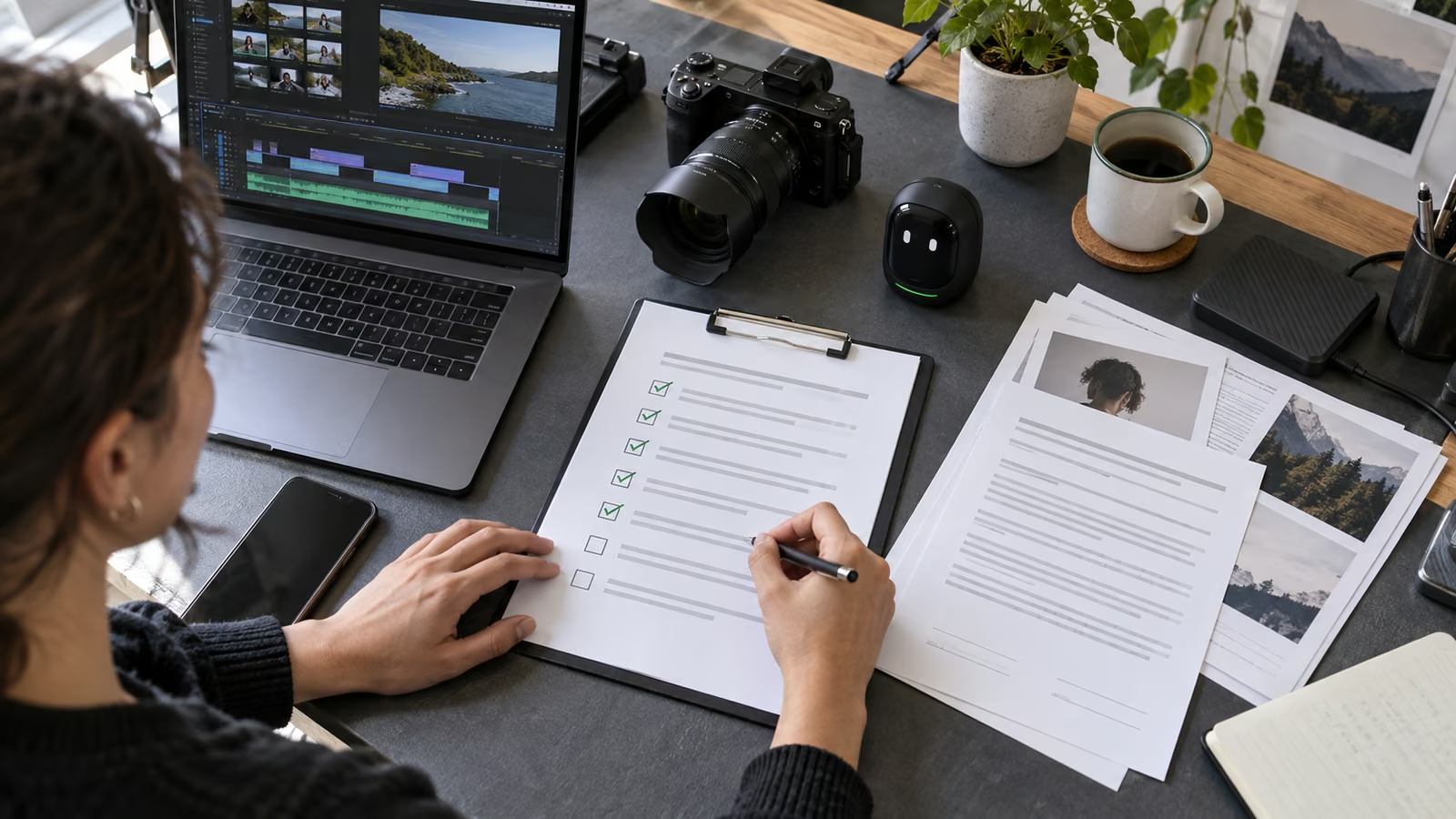
YouTube made AI disclosure labels more visible in 2026 and described new internal signals that can automatically identify significant photorealistic AI use. Creators still need a reliable process for deciding what changed, recording how it was made, and checking the final upload.
YouTube says realistic, meaningfully altered or generated content should receive a prominent label, while unrealistic or minor edits can be handled differently. It also says content created with certain YouTube tools or carrying fully generative C2PA metadata can retain a permanent disclosure. Read YouTube's 2026 labels update and current altered-content disclosure help before uploading, because definitions and interfaces can change.
Growit o1 is an expressive pocket AI device in development. Its current direction includes an owner-triggered camera and vision input, an expressive on-device face, and optional connected experiences that begin only after setup. Final production specifications, supported services, prices, and launch capabilities will be announced before sales open. The workflow below is a planning pattern built around that direction, not a promise that o1 can publish, operate a platform account, or guarantee audience or revenue results.
Treat disclosure as a production record, not a checkbox remembered at the end.
The artifact: an AI use log
Create the log when an asset is generated or altered. Do not reconstruct it from memory on upload day.
| Asset | Tool or method | What changed | Realism and significance | Evidence kept | Upload decision |
|---|---|---|---|---|---|
| Opening reenactment | Generated video tool | Entire scene generated | Photorealistic and central | Prompt, output, edit timeline | Disclose |
| Background cleanup | Editor removal tool | Removed a cable | Minor production edit | Before and after frames | Review current policy |
| Voice translation | Translation tool | Language and lip movement | Meaning retained but synthetic presentation | Original audio and approval | Disclose where required |
| Thumbnail color grade | Image editor | Contrast and color only | Conventional enhancement | Source file | Usually not meaningful alteration |
The log does not decide policy by itself. It gives the creator the facts needed to apply current platform rules consistently.
Record provenance at the moment of creation
Save the original, generated output, prompt or settings, export date, tool name, and editor responsible. Keep releases for people whose voice, face, or performance appears. If a source contains licensed material, record the license and allowed uses.
When C2PA or another provenance signal is present, avoid stripping it casually. YouTube says some fully generative metadata can influence labeling. The exact behavior belongs to the platform; the creator's job is to preserve an honest chain of custody.
Use o1 as a deliberate capture checkpoint
During a shoot or edit review, an owner-triggered o1 checkpoint can help inventory what is real, generated, translated, reenacted, or substantially altered. Ask for a draft log from approved context, then verify every row against the source files.
This does not mean o1 automatically detects policy status, uploads labels, or supplies legal advice. The creator must review the current YouTube rule and make the final disclosure. See o1 privacy and connected boundaries.
Decide from the viewer's perspective
The central question is whether a reasonable viewer could mistake the altered material for a real person, place, event, or statement. A clearly animated transition is different from a photorealistic fabricated interview. A removed background blemish is different from changing what a public figure appears to say.
If the content concerns elections, conflict, health, finance, disasters, or another high-impact topic, use a stricter review. Platform disclosure is only one layer; accuracy, consent, defamation, advertising, and local law may create additional duties.
Put disclosure into the script and description
Do not rely on a platform label to carry the full context. If the alteration changes how the viewer understands the story, explain it where the scene appears. A plain statement works: "This sequence is a generated reenactment based on the source described below; it is not footage of the event."
The description can link to the original source, identify translated or generated portions, and state what remained human-authored. Avoid technical jargon that hides the practical meaning.
Use the Growit description optimizer to organize the disclosure and sources, then inspect the final wording yourself.
Run a pre-upload disclosure review
Before publishing, answer these questions:
- Does the AI use log include every material asset?
- Could any realistic scene be mistaken for a real recording?
- Are voices, faces, and performances authorized?
- Does the spoken context match the upload setting?
- Were provenance metadata and source files preserved?
- Is the description clear before links or promotional copy?
- Has a person reviewed the final render, not only the timeline?
Take a screenshot of the selected upload setting and save it with the production record. If YouTube applies a label automatically and the creator believes it is incorrect, follow the platform's current review path and keep the evidence.
Measure trust, not only reach
YouTube states that a disclosure label by itself does not determine recommendations or monetization eligibility. Creators should still watch for viewer confusion, corrections, complaints, and comments that reveal a mismatch between the label and the story.
If people repeatedly ask whether a scene is real, move the explanation earlier. If the disclosure is technically present but practically invisible, improve it. A transparent workflow protects the audience and makes future corrections faster.
Start with the next altered asset
Create one AI use log before your next upload. Add each asset as it enters the edit, preserve the source, and make the disclosure decision before export. Keep o1 in the role of a deliberate checklist companion while the creator owns policy and publication.
Read what o1 can do and explore more creator production guides.