
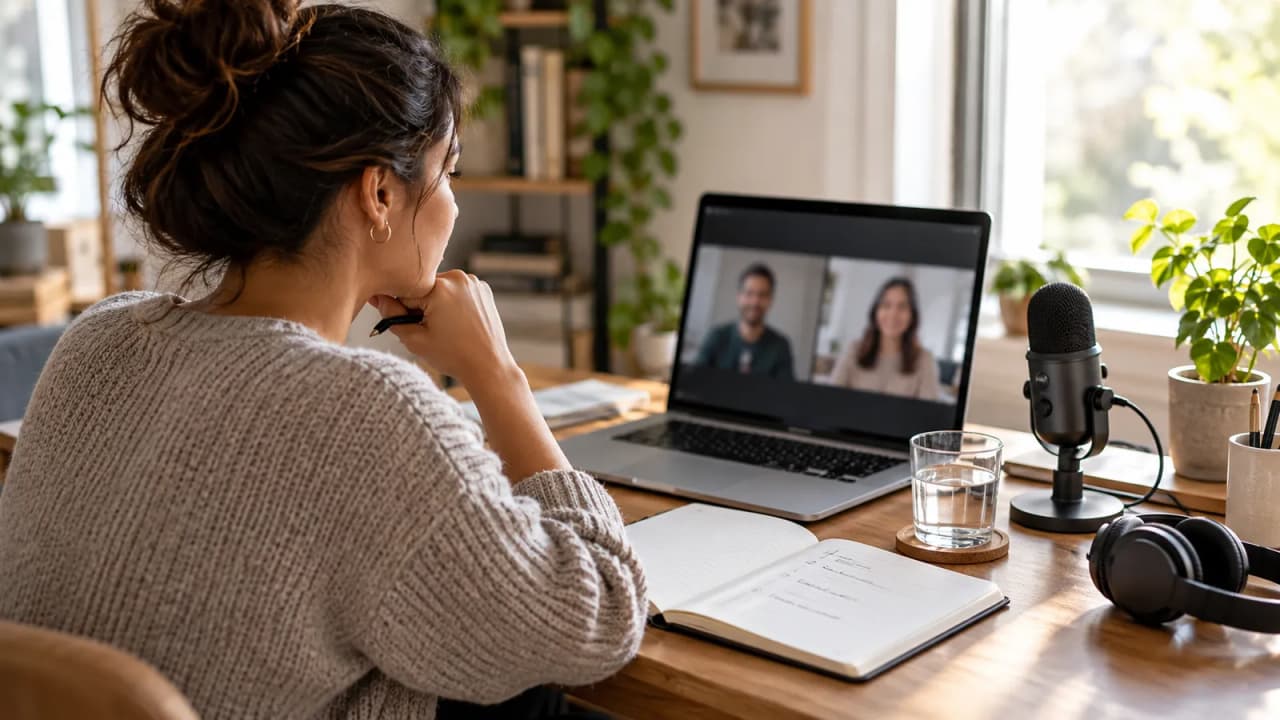
A fifteen-minute guest call should end with an interview plan, not another round of messages about which app to install. WhatsApp guest calling gives creators a way to prepare with someone who does not have a WhatsApp account. Start with a named host, a short agenda, and a person responsible for turning the conversation into a written brief.
Meta's October 14 announcement describes guests opening a call link in a computer browser, entering their name, and waiting for the host to admit them. Only someone with a WhatsApp account can create the link. That makes a preparation call possible without asking the guest to create an account; the editorial work still needs a plan.
Fill the guest preparation card first
This is an original fictional example. Bench Notes, its team, the guest, and these production decisions are invented to show how a preparation call could work.
| Field | Filled preparation card |
|---|---|
| Episode | How a paper sculpture goes from sketch to finished object. |
| People | Nia hosts; Mara Chen is the paper artist; Luis writes manual notes. |
| Appointment | October 27, 2026, 2:00–2:15 p.m. Central; preparation only. |
| Admission | Nia creates the link, sends it privately, and checks Mara's displayed name before admission. |
| Decisions needed | Three making stages, one object to demonstrate, one question to send before the interview. |
| Materials | Mara's own process sketches and one finished paper sculpture. |
| Session boundary | The team has chosen not to record this preparation call. |
| Handoff | Luis writes five bullets; Mara checks the technical wording before the later interview. |
The card defines a small job. It does not ask the guest to deliver the finished episode, approve a final edit, and troubleshoot a future recording setup in the same conversation.
Write an invitation the guest can act on
Give the guest the date, time zone, expected duration, purpose, and link in one message. Describe the joining route in plain language: open the link on a computer, enter the agreed name, and wait for the host. Put the preparation agenda in that message too, because it should remain available before the call begins.
For the fictional session, the useful invitation text is: “We will spend fifteen minutes choosing the three steps you want to demonstrate. Please have one sketch and the finished sculpture nearby. This is our preparation conversation; we will confirm the interview arrangements afterward.”
That wording is a draft the creator can adapt and send. It does not assume an assistant has contacted the guest. Add a fallback contact route both people already use, and tell the guest whom to contact if admission stalls. Avoid making the link itself the entire invitation.
Rehearse the guest route before relying on it
Use a short rehearsal with a colleague who can try the guest workflow. Check the actual computer, browser permissions, microphone, and headphones that will be used. A feature announcement cannot tell you whether a particular guest's equipment will work at the appointment.
Keep the rehearsal narrower than a full production test. Can the guest open the link, identify themselves, reach the waiting room, hear the host after admission, and speak clearly? If the discussion requires showing a sketch, test that step with an unimportant sample.
Meta's announcement describes guest screen sharing, reactions, and raising a hand. It does not supply a complete browser-version or country matrix. Record what your rehearsal established, and preserve an alternative way to complete the preparation. Do not promise a mobile joining route from documentation that specifically describes a computer browser.
Give one person the admission job
For Bench Notes, Nia creates the call link and manages entry. Luis owns the notes and timekeeping. This division is an editorial choice, not a claim about extra platform roles or administrator controls.
The announcement says guests require host approval, can be removed, and cannot see other participants' phone numbers, send messages, or directly add someone else. Those controls explain why the host needs to be present and attentive when a guest arrives.
Agree on the expected display name in advance. If another name appears, use the existing contact route to check it before admitting someone. Share the link privately, and keep the person managing admission free to greet the guest instead of searching for reference files. Consult WhatsApp's call-link help for current creation and sharing instructions before sending the invitation.
Use the call to settle three production decisions
Open by stating the finish line: “We need the order of the demonstration, the object you will show, and the question you want beforehand.” Then work through those decisions in that order. Keep a separate note for interesting tangents that belong in the interview.
For Mara's fictional demonstration, the team chooses sketch, first fold, and final assembly. Mara prefers showing the finished object before discussing the sketch. Luis changes the planned interview opening accordingly. That is a useful preparation outcome because it changes the later shoot.
If a screen share helps, open just the relevant material before the call. Ask the guest to explain what the viewer needs to notice, rather than treating the shared screen as an automatic publishable asset. A discussion about an image does not settle whether it belongs in the finished episode.
Turn the conversation into a checked written handoff
Luis's five bullets should contain the agreed opening, demonstration order, required object, wording to check, and next owner. Add unresolved items explicitly. “Mara to confirm the name of the folding technique” is more useful than a confident guess that later appears in the script.
Send the guest the specific technical points that need checking through an agreed communication route. Do not assume guests can use an in-call chat to receive the brief: the announcement says guests cannot send messages. Keep correction requests short enough to review.
This workflow uses manual notes. The guest-calling announcement does not establish native recording, transcription, podcast export, or an o1 connection. If a later interview needs recording, choose and rehearse that production arrangement separately before confirming it with the guest.
Close with the next appointment and its open questions
Finish by reading back the three decisions and naming who owns each remaining task. Confirm when the guest will receive the interview questions. Keep the preparation call complete even if the interview date remains undecided.
Meta describes Google and Outlook calendar integrations as coming later in 2026. Do not build today's process around an announced integration you have not observed in your account.
To adapt the written planning pattern in Growit, check o1 guides, o1 specifications, and the o1 workspace for current account and release availability. The physical device remains in development. Use the preparation card and checked notes as the working artifacts; complete the actual call and guest communications in the tools available to you.