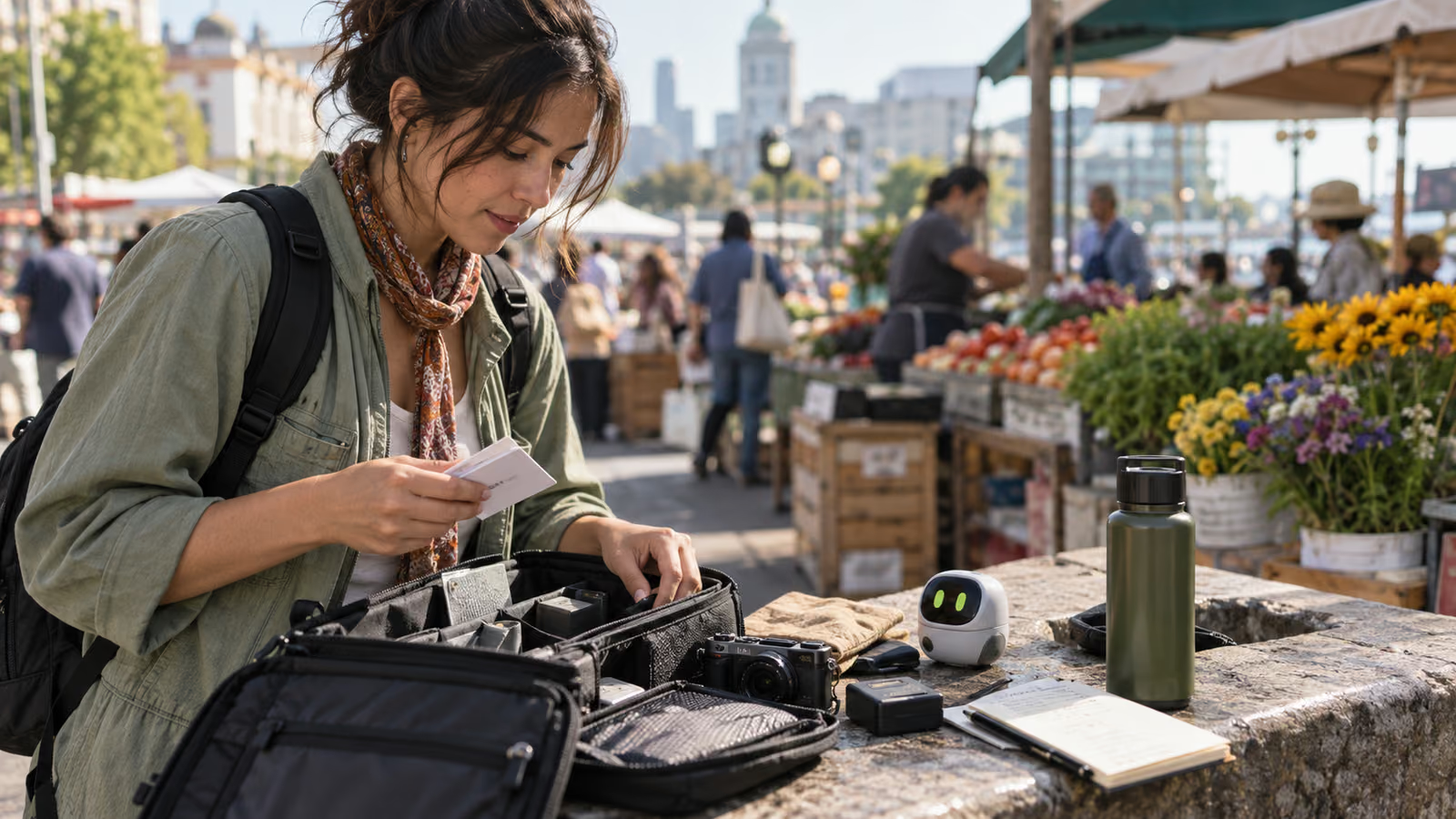
Wearable and hands-free AI products are making point-of-view capture easier to imagine. Easier capture does not remove the creator's duty to choose what should be recorded. Before entering a market, home, workplace, or event, build a visible consent and shot-intent routine that a participant can understand.
Meta's Connect 2026 recap describes Muse coming to AI glasses as a hands-free agent, while Meta's Muse announcement explains the wider personal-agent direction. These are product announcements, not a universal recording policy. Capabilities, indicators, storage, and regional availability can differ. Read the Connect 2026 recap and Muse announcement as primary product context, then verify the documentation for the exact equipment you use.
Growit o1 is an expressive pocket AI device in development with owner-triggered camera and vision input as part of its direction. That framing matters: input should begin deliberately. Final hardware, storage, and service details will be announced before sales open. This checklist is a production practice, not a claim that o1 can determine legal consent or record autonomously.
Carry one capture decision card: purpose, people, permission, private zones, visible recording state, retention, and stop condition.
Write the shot intent before raising the camera
Name the story purpose and the minimum footage needed. "Atmosphere" is too broad. "A ten-second wide shot that establishes the public entrance without identifiable bystanders" is reviewable. A clear intent helps the creator avoid collecting private details simply because storage is available.
| Field | Example decision |
|---|---|
| Purpose | Demonstrate how a maker arranges a public stall |
| People | Owner on release; customers excluded unless separately approved |
| Capture | Three named shots during an agreed five-minute window |
| Private zones | Payment screens, addresses, children, and staff area excluded |
| Indicator | Recording cue explained and kept visible |
| Retention | Unused identifiable footage removed after review |
| Stop | Any participant can pause without needing a reason |
Keep the card accessible to the crew and participant. If the plan changes, renew consent instead of assuming the first yes covers everything.
Separate seeing from saving
A device may process visual context to answer a question without the creator needing a reusable recording. Decide whether the task requires a saved photo, saved video, transient analysis, or no camera at all. Use the least intrusive input that completes the job.
For example, checking whether a shot list is complete may require a deliberate view of the set, while documenting a participant's face for publication requires an explicit release. Technical capability does not make those actions equivalent.
Make the recording state understandable
Explain the device, the indicator, the intended use, and where the footage may appear. Do not rely on a tiny light or unfamiliar gesture to communicate consent. In noisy or multilingual environments, use a written card or translated explanation and confirm understanding.
An owner-triggered o1 checkpoint can ask whether the approved people, zones, and shots match the current frame. The creator must still inspect the scene and stop when uncertain. o1 is not a lawyer, release manager, or substitute for local requirements. Read the o1 privacy guide for current boundaries.
Build privacy into the edit
At ingest, separate approved material from incidental capture. Flag faces, license plates, documents, screens, voices, and background conversations. Blur or remove what the story does not require. Review audio independently because private information can be clear even when a person is off camera.
Keep the release next to the asset record and note permitted uses, term, territory, and revocation or correction contact. Do not publish raw field footage merely because it creates a feeling of authenticity.
Add context before publication
POV footage can make an edited sequence feel continuous even when it is not. State when scenes are reenacted, reordered, translated, or recorded on different days if that affects meaning. If a device supplied an AI-generated answer during the scene, distinguish that output from an observed fact.
Use the Growit description optimizer to organize participants, locations, disclosures, and sources, then review the final wording yourself. A platform disclosure is only one layer; consent and accuracy remain the creator's responsibility.
Run the field stop
Before leaving, ask: Did every saved shot serve the stated purpose? Did a participant withdraw? Did the environment expose information outside the agreed zone? Are any required releases missing? Is there a safe backup? If a central permission is unclear, mark the footage unusable until it is resolved.
A fast stop in the field is cheaper than a privacy repair after publication. It also gives participants a final chance to clarify the intended use while everyone remembers the context.
Start with one bounded scene
Choose a simple public demonstration, write the capture card, explain the recording state, and collect only the approved shots. Review the material for incidental data before editing. This discipline lets POV production feel immediate without making other people's privacy invisible.
Continue with the o1 creator guides and AI disclosure workflow.