
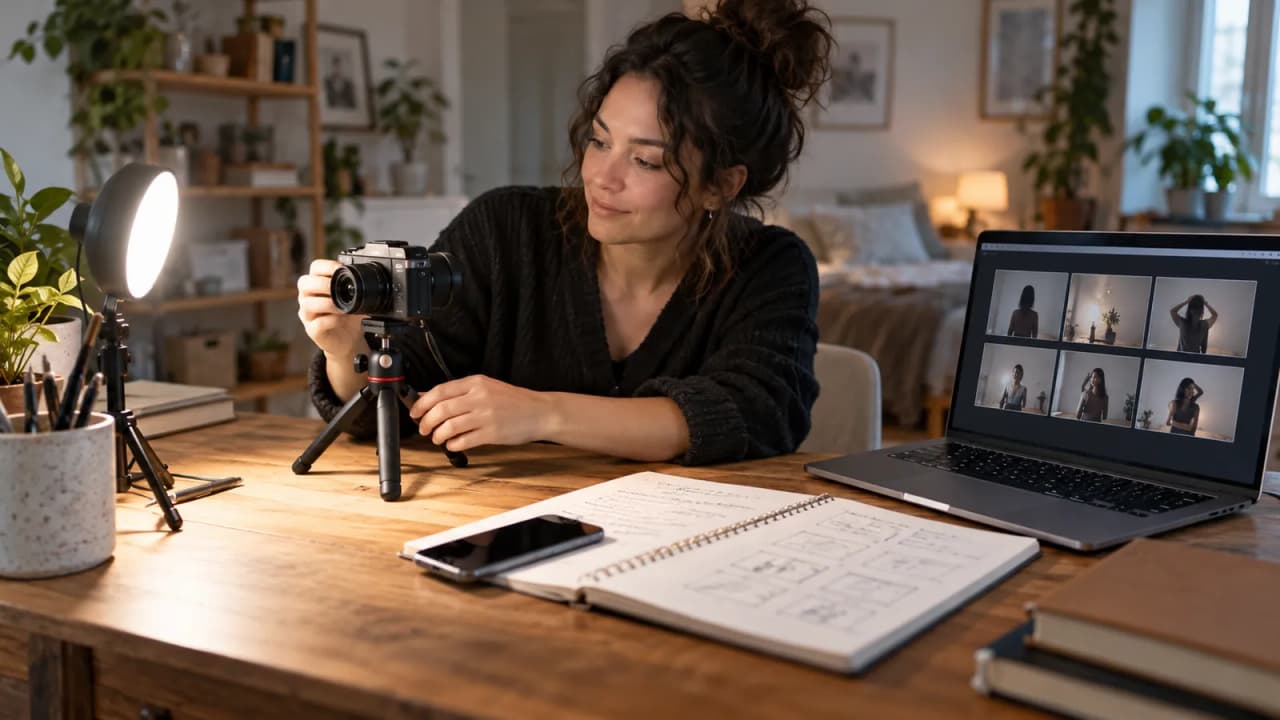
Eli has a finished tutorial and one unresolved question: could a new viewer repeat the demonstration without guessing? His fictional channel, Tabletop Studio, is preparing a lesson about moving one desk lamp around a notebook. Before recording the final introduction, he wants a short explanation and three questions that expose missing instructions.
Gemini Notebook's Short Video Overviews can provide a rehearsal draft for that job. Google's October 16 study update describes roughly 60-second overviews and expanded quiz formats. These are recently announced learning tools, not a substitute for checking a creator's demonstration. Use them to examine what a lesson communicates, then approve the explanation yourself.
| Fictional lesson card | Filled example | What Eli must check |
|---|---|---|
| Learner's task | Film the same notebook with the lamp in two marked positions | Camera and notebook stay fixed |
| Visible evidence | Two original clips labeled position A and position B | Labels match the actual clips |
| Opening promise | Compare where the notebook's shadow falls | No claim about every room |
| Decision question | What stayed fixed between the two clips? | Camera and notebook |
| Missing-information question | Can this test identify the best lamp for everyone? | No; it compares two positions in one setup |
| Final handoff | Approved script, source notes, clip labels, and three reviewed questions | Eli signs off before sharing |
This is an invented editorial exercise. Eli, the channel, and its planned footage are fictional; the card reports no tool test or learning outcome.
Choose one action a viewer should understand
A tutorial about “better lighting” can wander through equipment, composition, room layout, and editing. Eli narrows the lesson to a comparison that someone can describe after watching: the object and camera stay still while one lamp changes position.
Write that action before opening the generation panel. It becomes the standard against which the draft is reviewed. A smooth explanation that introduces a different experiment fails this brief.
Also write what the lesson leaves unresolved. This demonstration does not rank lamps, prescribe a universal setup, or prove what happens in another room. Those limits should survive every shorter version.
Prepare a source packet you can actually approve
Eli's proposed packet contains his script, a diagram of the two positions, and a plain-language log of what each original clip is intended to show. If he later records the clips, he should replace planning notes with accurate observations.
Separate those two states. “We plan to keep the camera fixed” describes a production instruction. “The camera stayed fixed” is an observation that requires checking the footage. A generated summary should not quietly turn the first into the second.
Keep the packet small enough to inspect. Remove outdated drafts and mark any supplied statements that need confirmation. A notebook full of conflicting versions gives a reviewer more work before they can approve a clear explanation.
Generate a short draft with a narrow focus
Google's Video Overviews guide describes opening a notebook with sources, selecting Video Overview in Studio, and choosing a format. Short targets approximately 60 seconds. Check the options actually available in your account; the mobile app can have limitations.
Eli's steering request could read: “Explain the comparison described in the approved lesson notes. Focus on what changes, what stays fixed, and what this example cannot establish. Do not add product recommendations or describe planned footage as completed.”
Keep the first output as a draft. The same guide warns that generated voices and visuals can contain inaccuracies or audio glitches. A confident delivery does not approve a sentence.
Compare the explanation with the planned evidence
Review the overview with the lesson card beside it. Pause when it describes an action, names an object, or draws a conclusion. Find the supporting instruction or observation in the packet.
Suppose a draft says Eli uses two lamps. His plan uses one lamp in two positions. Correct the source wording if it was ambiguous, regenerate when useful, and keep the discrepancy in a short revision note. Do not solve the mismatch by filming something different merely to match the draft.
Check visuals separately from narration. An appealing illustration can show a camera movement that the script never intended. The creator's actual footage should carry the final demonstration.
Ask questions that require a decision
Google's October update lists short-answer, multi-select, and fill-in-the-blank quiz formats. For a tutorial, the useful question is one that reveals whether someone can follow the method or recognize its boundary.
Eli writes three approved questions before comparing any generated alternatives: “Which two objects stay fixed?” “What changes between clips?” and “What conclusion would require a separate test?” His answer sheet names the camera and notebook, the lamp position, and any universal claim about the best lamp.
The Flashcards and Quizzes guide describes Studio generation, customization prompts, and answer explanations. Inspect the actual questions and answer keys yourself. An explanation attached to an incorrect answer remains incorrect.
Rehearse with a person before revising the edit
Give a reviewer the draft lesson and ask them to explain the setup in their own words. Let them point to the moment that supports their answer. This is a proposed editorial check, not a claim that a three-question exercise measures learning scientifically.
If the reviewer cannot tell which object moved, improve the filmed instruction or label. Adding another paragraph to the closing narration may leave the original ambiguity untouched.
Record a concrete revision such as “Add a wide setup shot before the comparison.” Avoid assigning a flattering score to an exercise you have not run, and never invent learner comments to make the article sound tested.
Share a deliberate version of the lesson
Save the approved script, clip labels, reviewed questions, and correction notes together. Check the exported or shared version as a recipient would encounter it. A public link deserves its own review of what the viewer can access; do not assume that a short overview is isolated from its notebook.
The useful next action is small: choose one existing tutorial, write its visible task, and draft three questions with answers you can defend. Generate only after that card is complete.
Growit o1 is a physical device in development. Review the o1 guides, current product boundaries, and o1 AI information before planning any device role. This workflow establishes no Gemini Notebook connection or automated lesson approval through o1. Keep generation and the final publishing decision in the tools and account you have actually checked.