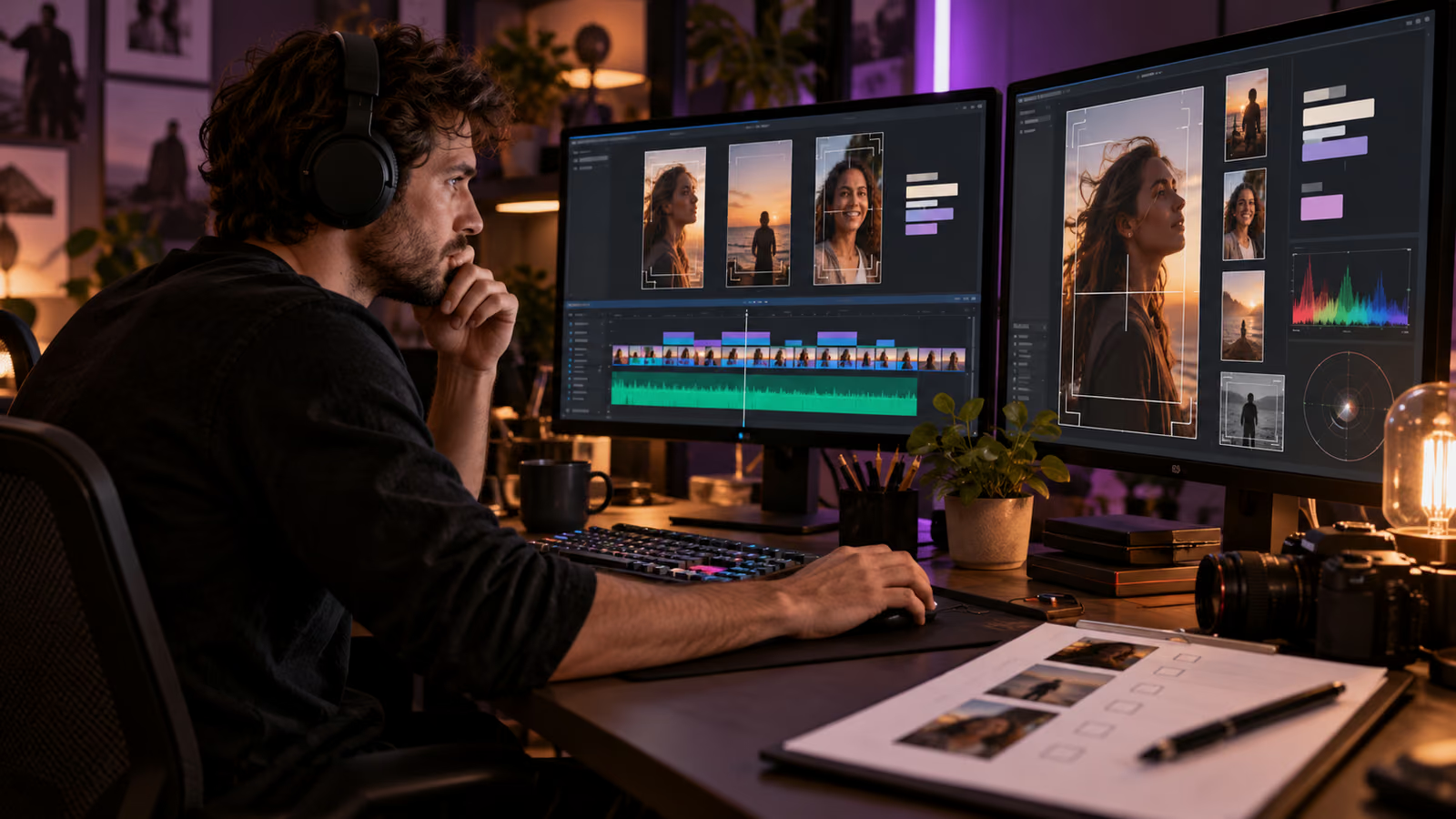
The loudest moment in a stream is not automatically the best recap. A reaction can lose its setup, a vertical crop can remove the collaborator who caused it, and an auto-caption can turn a harmless phrase into something damaging. Treat every recap candidate as an editorial asset that needs context, consent, and a named approver.
This guide uses two current primary references: Twitch: Stream-o-Ween and Twitch Help: How to use clips. Verify feature availability and settings in the creator account before acting.
Growit o1 is an expressive pocket AI device in development. Its current Sight workflow is an owner-triggered connected beta that requires a compatible connected service after setup. Final capabilities, supported services, pricing, and availability will be announced before sales open. In this guide, o1 is a deliberate review prompt rather than an autonomous publisher, account operator, or source of guaranteed performance.
A recap is a new publication decision. The fact that a moment was live does not remove the need to review its crop, caption, rights, and context.
Put the decision on one page
| Checkpoint | What to record |
|---|---|
| Candidate | Timestamp, creator, guest, and why the moment matters |
| Consent | Who appears, where reuse is allowed, and any revocation path |
| Context | Setup, punch line, correction, and missing information |
| Presentation | Portrait crop, captions, audio, content warning, and thumbnail |
| Decision | Approve, revise, archive, or reject with owner and date |
Build a candidate ledger
Twitch's Stream-o-Ween announcement describes Stream Recaps made from clips created by the streamer and editors. Start with a private ledger instead of publishing the first generated sequence. Capture the original timestamp, clip creator, participants, narrative purpose, and the person responsible for review. Keep the unedited reference until the decision is complete.
Confirm clip permissions and consent
The official Twitch clips guide explains creating clips, selecting portrait crops, adding titles, and sharing. Channel settings and roles still matter. Decide who may create clips, who may feature or distribute them, and how guests approved promotional reuse. A guest's agreement to join a live broadcast should not be stretched into unlimited advertising rights. Record any limits in the ledger.
Review the portrait version as its own edit
Watch the entire candidate with sound, then the portrait crop on a phone-sized preview. Keep the speaker, reaction, game state, captions, and essential visual evidence in frame. Correct names, jargon, and profanity in captions. Add a short setup card when the moment depends on context. Reject a crop that changes the apparent meaning, hides a correction, or makes a joke look like a factual claim.
Clear rights and sensitive moments
Check music, game footage, third-party video, chat messages, usernames, private notifications, minors, medical events, harassment, and personal information. Do not distribute a humiliating or dangerous moment because it performed well live. Use Growit's clip tools to organize derivative ideas, then complete rights and platform checks manually. Review o1 creator guides before involving any connected service.
Approve distribution channel by channel
Write the destination, aspect ratio, caption, disclosure, link, and removal owner for each approved clip. A clip suitable for Twitch may need different context on another platform. Track watch completion, saves, qualified replies, and clicks against a relevant baseline. Use o1 only as a deliberate review prompt: consent recorded, context preserved, captions checked, rights cleared, crop approved. It should not create permissions or publish the recap.
A useful workflow leaves evidence that another teammate can inspect. Date the plan, name the owner, preserve the source links, and record any correction after publication. Platform features and policies change, so re-check the official documentation before each new campaign.