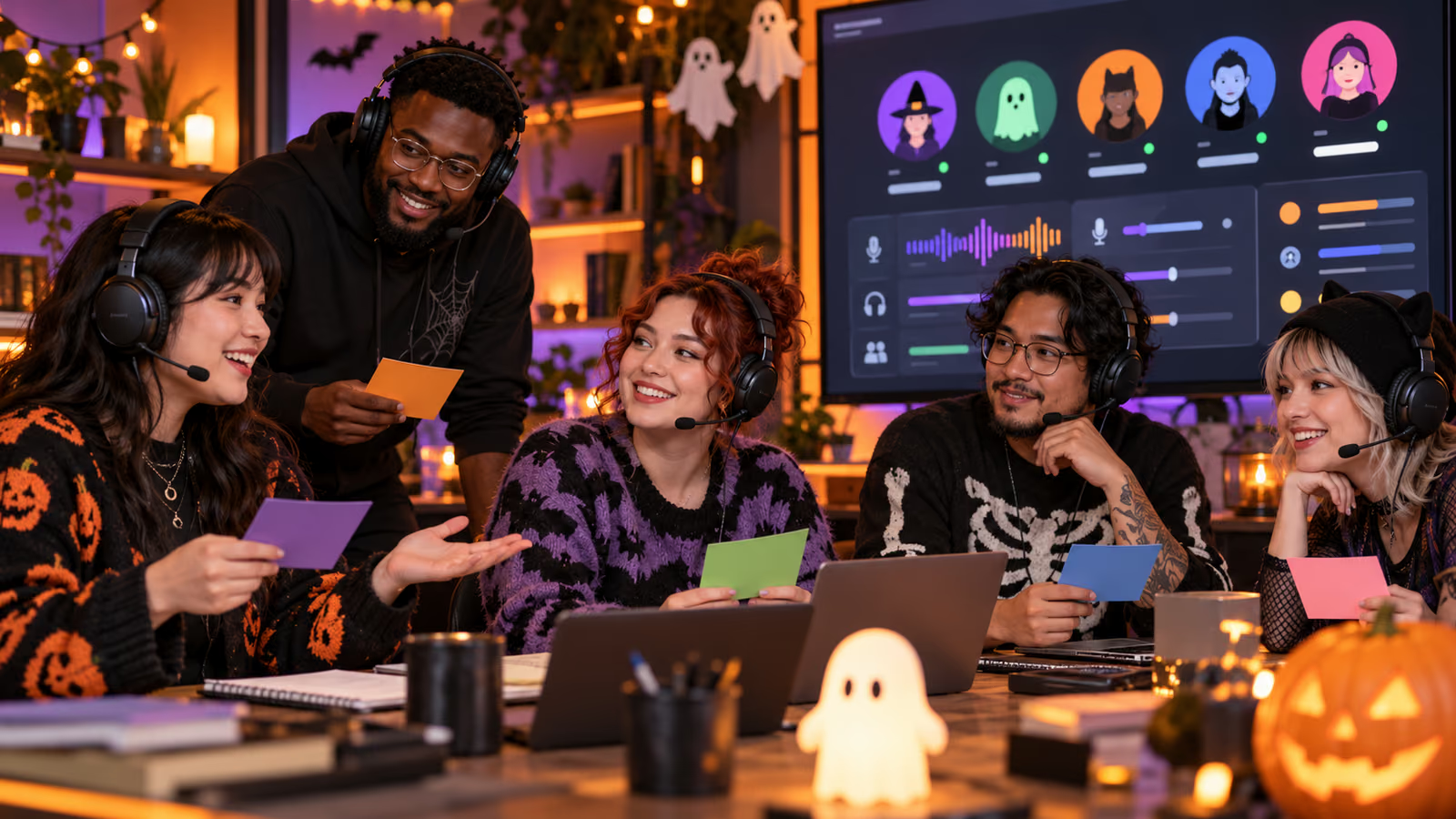
A community Halloween night can fail before it begins when the event link points to the wrong channel, moderators lack permissions, and nobody knows whether the session is being recorded. Seasonal energy should make the event more welcoming, not less controlled. A short runbook gives every host, moderator, and attendee a clear boundary.
This guide uses two current primary references: Discord: Halloween 2026 and Discord Support: Scheduled Events. Verify feature availability and settings in the creator account before acting.
Growit o1 is an expressive pocket AI device in development. Its current Sight workflow is an owner-triggered connected beta that requires a compatible connected service after setup. Final capabilities, supported services, pricing, and availability will be announced before sales open. In this guide, o1 is a deliberate review prompt rather than an autonomous publisher, account operator, or source of guaranteed performance.
Create the event page only after the team can name the host, moderation owner, audience boundary, recording rule, and emergency exit.
Put the decision on one page
| Checkpoint | What to record |
|---|---|
| Event promise | Activity, audience, start time, duration, and participation rules |
| Location | Voice channel, Stage channel, or external place with verified link |
| Permissions | Create/manage event, speak, moderate, invite, and emergency stop |
| Safety | Age boundary, conduct rules, escalation path, and evidence owner |
| Access | Captions, visual descriptions, breaks, time zone, and contact route |
Write the event contract
Discord's Halloween 2026 post provides a timely seasonal hook, but a community event still needs its own purpose. State whether the session is a costume showcase, game night, watch-along, creator Q&A, or workshop. Name what attendees may submit, whether costumes or usernames may be shown publicly, and which server rules apply. Avoid implying that an unofficial event is endorsed by Discord.
Configure the right event type
The official Scheduled Events guide covers Voice, Stage, and external events, RSVP behavior, invite links, and permissions. Choose the location that matches the interaction. Test the event invite from a non-admin account. Confirm the title, description, time zone, start time, image rights, notification plan, and who can edit or cancel the event.
Rehearse roles and safety
Assign host, producer, moderator, accessibility contact, and safety lead. Rehearse muting, removing a disruptive participant, locking a channel, switching to a holding message, and ending the event. Publish concise conduct rules and a private escalation ladder. For minors or age-restricted themes, use the appropriate server and platform safeguards and involve qualified adults where required.
Handle recording and creative reuse
State plainly whether audio, video, screen shares, chat, or submissions will be recorded or reused. Get affirmative permission from featured guests and explain how attendees can participate without appearing in promotional content. Check music, film, game, artwork, and costume-photo rights. Use Growit's community tools to draft reminders, then review them against the final event settings. See o1 privacy guidance before a connected checkpoint.
Close the loop after the event
End on time, remove temporary permissions, close external rooms, preserve only necessary incident evidence, and publish a short recap that respects consent. Compare RSVPs with attendance, participation quality, repeat questions, moderation load, and accessibility issues. Do not treat member count as proof of safety or satisfaction. Use o1 only as an owner-triggered preflight prompt: event verified, roles assigned, consent stated, moderation ready, exit tested.
A useful workflow leaves evidence that another teammate can inspect. Date the plan, name the owner, preserve the source links, and record any correction after publication. Platform features and policies change, so re-check the official documentation before each new campaign.