
Starter
One-time purchase$20 USD
Start with the entry Autoedit package.
- Beat-based auto cuts
- instant VFX workflow
- starter Autoedit access
- fast setup
AUTOEDIT / BY GROWIT
Bring the clips and the direction. Use o1 to work through an editing brief, review a draft, and make the creative choices yours.
Already know what you need? Compare one-time packages from $20.
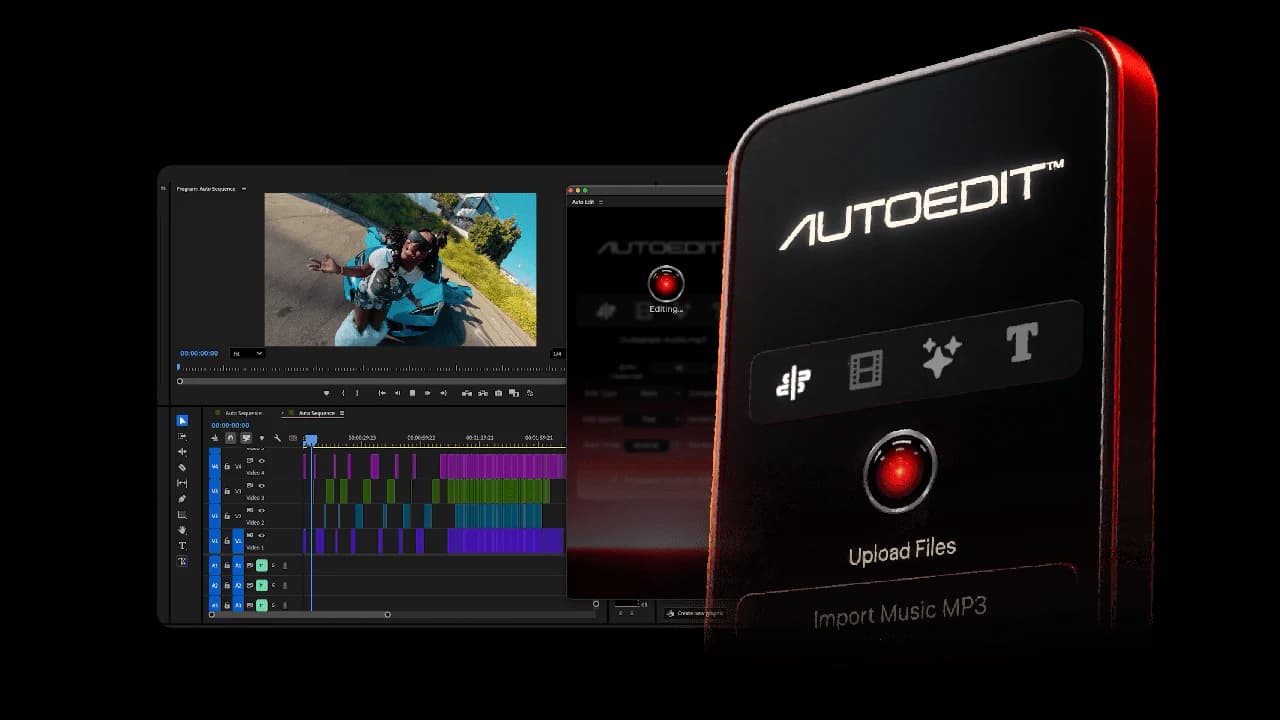
01 / THE WORKFLOW
A useful editing brief gives the agent constraints. A careful review turns a suggestion into a video you are ready to share.
Add footage you have permission to use and describe the video you want to make.
Check the suggested sequence, pacing, and moments to keep. Creative decisions still need your review.
Watch the draft, review captions and framing, and request changes before sharing it.
Help me prepare a first cut from [footage]. My target format is [aspect ratio] and the finished length should be [duration]. Keep [essential moments], avoid [material to exclude], and use [music or pacing reference]. Show me the proposed cuts and any questions before making creative choices. I have permission to use the supplied footage and audio.
Copy the brief and replace the brackets. Copying does not upload footage or start editing.Open on the strongest momentHook / performance take
Build the contextSupporting footage / B-roll
Land the endingFinal beat / call to action
Review clip choices, timing, captions, and audio permissions before exporting.
02 / SAMPLE PREVIEWS
Two supplied video samples illustrate the source and edited direction. They are examples, and do not show a task running in your account.
Material before the editing pass
Use the playback controls to review this supplied sample.
A sample of the edited direction
Use the playback controls to review this supplied sample.
03 / PROJECT ORGANIZATION
Keep the brief, feedback, and delivery decision together. This example shows a way to organize a project, not a connected client account.
Brief
Source files, intended audience, format, deadline, and music permissions.
First cut
Suggested sequence, moments to keep, and questions that need a decision.
Review
Time-stamped comments, caption corrections, and a clear version name.
Delivery
Review the export and confirm where it can be used before publishing.
04 / ONE-TIME OFFERS
Compare the included scope before purchasing. These packages are separate from an app subscription.
Your confirmation and access instructions use this email.
$20 USD
Start with the entry Autoedit package.
$49 USD
A defined edit allowance and caption workflow.
$100 USD
Review the expanded Autoedit package.
Payment is completed in Stripe. Review its final total before confirming.
05 / BEFORE YOU START
Understand the examples, purchase terms, and workspace before choosing your next step.
The Starter, Creator, and SUPER Autoedit offers shown here are one-time purchases. Growit's app subscriptions are separate. Review the selected offer and the total shown by Stripe before paying.
No. The brief, editing sequence, project board, and supplied videos are examples. They do not upload files, run editing work, or show activity from your account. Open the o1 workspace to use the available editing workflow.
Open the o1 workspace and sign in. Give o1 your editing brief and supply footage through the workspace's supported controls. Availability, limits, and the tools enabled in your account determine what can run.
Use the order confirmation sent to the email entered at checkout to review your purchase and access instructions. Returning to this page alone does not confirm payment or access.
Review the refund policy before purchasing. For access, billing, or cancellation questions, contact info@jmltechstudios.com with your order details. Do not send payment card details.
YOUR NEXT STEP
Start in the workspace, or review a package before buying.