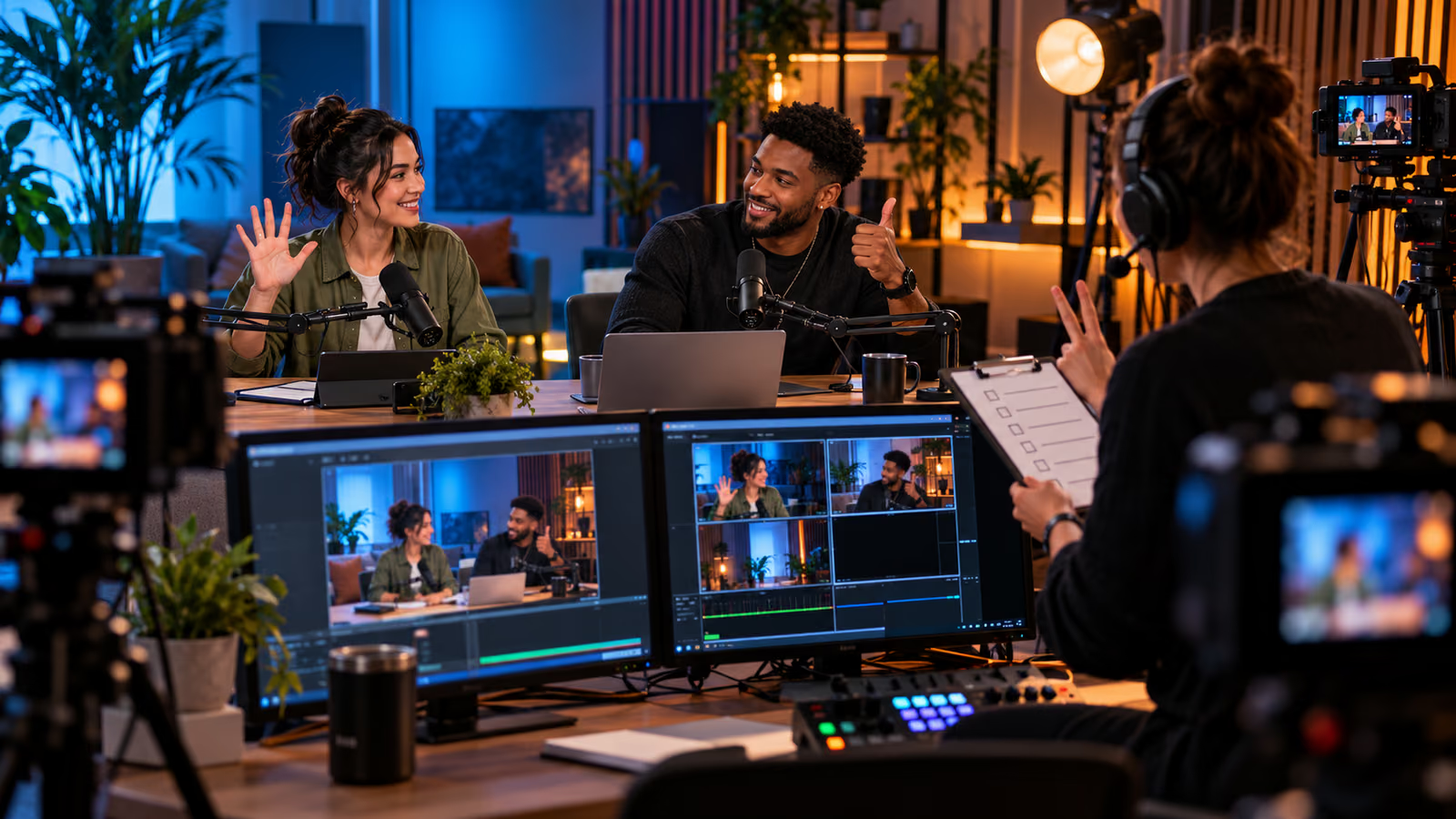
A guest joins a livestream five minutes before air and asks who can end the show. Nobody is certain. The producer has the stream key, the moderator cannot reach the control room, and a sponsored segment has no disclosure cue. A co-host feature can simplify collaboration, but it does not replace a written operating plan.
YouTube's official new Live tools announcement describes co-host matchmaking and other emerging live features announced in September 2026. The current live chat moderation guide explains moderator roles, message controls, slow mode, blocked words, participant modes, and post-stream chat replay. Use only features shown as available for the channel.
Growit o1 is an expressive pocket AI device in development. Its current Sight workflow is an owner-triggered connected beta that requires a compatible connected service after setup. Final capabilities, supported services, pricing, and availability will be announced before sales open. In this guide, o1 is a deliberate review prompt rather than an autonomous publisher, account operator, or source of guaranteed performance.
The channel owner must know who can start, switch, moderate, pause the conversation, and end the broadcast before a guest enters the live room.
Assign the live roles
| Role | Authority |
|---|---|
| Channel owner | Final publishing, permissions, disclosure, and emergency stop |
| Producer | Scenes, audio, timing, backup media, and technical rollback |
| Co-host | Agreed topics, guest conduct, and on-camera cues |
| Moderator | Chat rules, removals, timeouts, escalations, and incident log |
| Brand lead | Approved claims, required disclosure, and deliverable evidence |
| Safety contact | Welfare concern, harassment, doxxing, or urgent escalation |
Give each role the minimum account permission required. Never share a Google password or stream key in group chat. Confirm the owner can revoke access after the event.
Rehearse the first ten minutes
Test the guest invitation, camera framing, name pronunciation, audio mix, captions, latency, scene changes, links, and opening disclosure. Give the guest a private signal for audio problems or a topic they cannot discuss. The producer needs a clean holding scene and approved backup clip.
Use Growit's livestream planner to organize the rehearsal window, then rely on YouTube and broadcast-software diagnostics for the final decision. Review o1 creator guides before using a connected checkpoint around stream credentials or private guest details.
Configure moderation before air
Write three public channel guidelines and a private escalation ladder. Decide whether the event needs subscribers-only chat, slow mode, blocked terms, link review, or a stricter hold setting. YouTube notes that automated holding is imperfect; a human moderator still decides what appears.
Brief moderators on impersonation, scams, harassment, hate, personal information, medical emergencies, and threats. Avoid debating a safety incident in public chat. Preserve only the evidence needed for reporting and restrict who can access it.
Protect the guest and audience
Confirm consent for live broadcast, archive, clips, thumbnails, and promotional reuse. Identify topics that are off limits and who can call a stop. If minors participate, follow YouTube's current rules and involve an appropriate adult.
For sponsorships, state the relationship clearly and keep unsupported claims out of the host script. A live correction should be immediate and plain. Do not imply that a guest endorsement, fan-funding feature, or co-host tool guarantees reach or revenue.
Practice the emergency exit
Simulate lost audio, dropped connection, unsafe chat, accidental private screen share, and a guest who needs to leave. The producer should know how to switch to the holding scene, mute sources, disable chat if needed, and end the stream. Record the owner for each decision.
After the broadcast, review the archive, chat replay, disclosures, clips, incidents, and access list. Remove temporary permissions and save a short lesson log.
Use o1 only as an owner-triggered preflight prompt: roles confirmed, guest consented, moderation staffed, disclosure ready, backup scene loaded. It should not control the broadcast.
A rehearsed runbook makes collaboration feel relaxed because the hard decisions were already assigned. The co-host can focus on the conversation while the team protects the audience and the channel.