
A useful ServiceNow and ChatGPT demo should tell viewers which capability is available, which is announced for later, and what the creator actually observed. Build that distinction into the script before recording a confident click-through.
Nia, the fictional host of Workflow Window, is planning an explainer for people who have seen the partnership headline but do not administer a ServiceNow instance. Her proposed video uses a feature-status card instead of pretending that every announced capability is already on her screen.
| Demo item | Filled fictional production decision | Evidence needed |
|---|---|---|
| Opening | Explain the October 28 partnership announcement | Link the dated primary announcement |
| Current availability | Describe the announced marketplace MCP plugin | Check the exact listing and account access before showing use |
| Future capability | Mark the voice experience as expected in Q1 2027 | Keep the announced timing visible |
| Screen sequence | Use a labeled storyboard if no authorized account is available | Never present the storyboard as a live product |
| Example record | Use an invented studio printer incident | Keep real employee or customer data out |
| Closing | Give viewers a short access-and-availability checklist | Separate product news from a purchase recommendation |
Nia and her channel are invented. This is an editorial planning exercise, not a customer case study or a report of a completed integration test.
OpenAI's October 28 ServiceNow announcement says the MCP plugin is available in its marketplace, with enhanced capabilities expected by the end of 2026. Voice capabilities are expected in the first quarter of 2027, and Codex in AI Workflow Factory is expected in 2027. Preserve those different states in any video published now.
Give the episode one question
Nia chooses a narrow question: what should a viewer check before expecting this integration to work in their organization? That is something an explainer can answer without possessing a production enterprise account.
Write the question above the shot list. Remove sections that merely repeat the broad partnership headline. A viewer trying to understand access does not need an invented tour of every future interface.
Decide what the video will establish. Nia can explain the announcement, show her source notes, and demonstrate how she reads the availability section. She cannot establish how a particular customer's instance behaves without authorized access and an appropriate test. Keep that boundary in the opening, where viewers form their expectations.
Turn each claim into a visible status
Make a small card for every sentence that describes a product action. Give the card a status such as announced available, planned, observed in this account, or not checked. These are our editorial labels, not ServiceNow interface options.
An announcement can support the first two labels. The observed label needs a recording or test note from the creator's actual environment. Do not upgrade a claim because a polished promotional animation makes the action look complete.
For the fictional printer incident, Nia writes “illustrative record” beside every proposed screen. If she later obtains a permitted demonstration environment, she can replace the storyboard with genuine footage and record what changed. Until then, the storyboard remains a way to explain the question, not proof that a workflow executed.
Check access before designing the click path
Record the account type, permitted environment, relevant administrator decisions, and the exact actions the creator is allowed to perform. A sponsor's invitation to discuss a product does not automatically authorize access to employee records.
OpenAI's October 27 Oracle partnership announcement also describes organizational permissions and approvals as part of connected business applications. That is a useful reminder to keep the viewer's organization in the explanation; it is not evidence that Oracle and ServiceNow offer the same setup.
Nia's production rule is simple: if account access is unresolved, film the source-led explainer. Do not spend the morning inventing a click sequence and the afternoon trying to find an account that makes it true. Ask the organization to identify a permitted demonstration route before planning live actions.
Show a preview as a preview
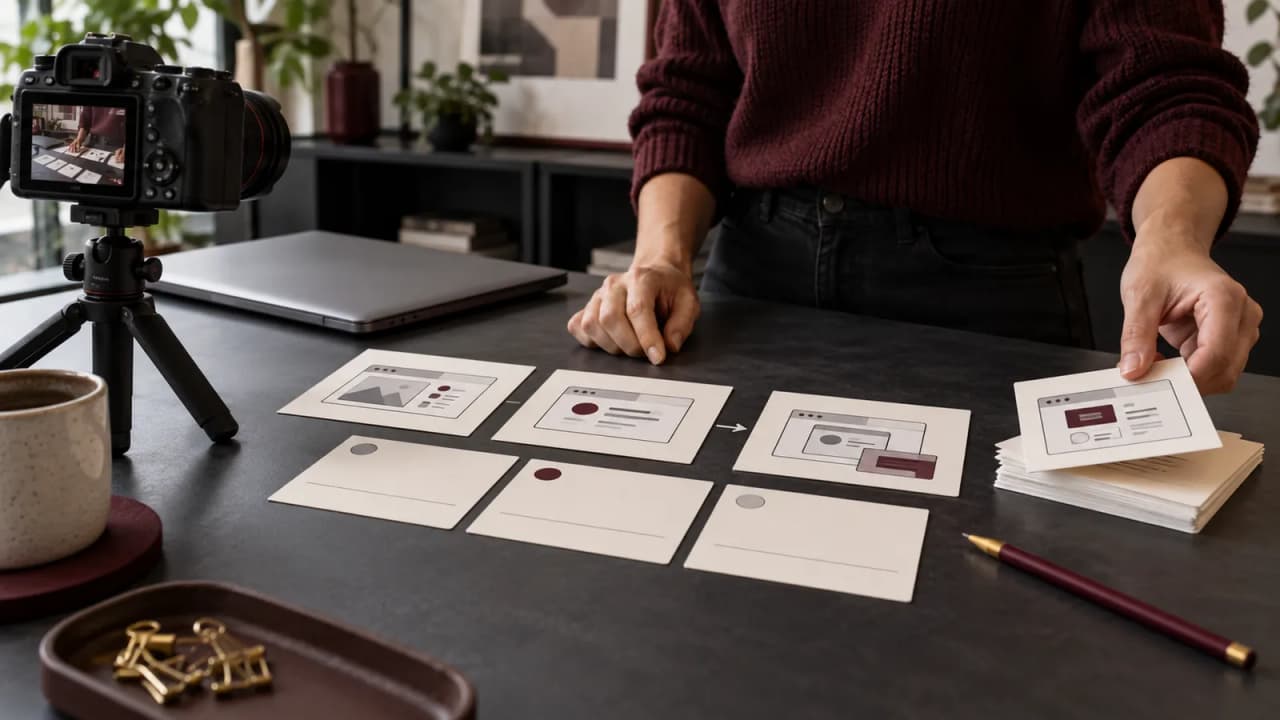
A storyboard can be useful when it has an honest label and a clear job. Nia's proposed sequence contains three frames: a fictional incident, a question about similar incidents, and a note that the available actions depend on the connected environment.
Keep the label in the exported video, not only in the editing project. Someone who sees a short excerpt should still understand that the frames illustrate a concept. Avoid placing a tiny disclaimer beneath an otherwise realistic fake interface.
Use the same language in narration and captions. “The announcement describes this workflow” differs from “I completed this workflow.” If a later edit removes the sentence that explains the distinction, revise the remaining clip before publishing it elsewhere.
Review the claim and the footage together
Give a reviewer the script, status cards, source links, and proposed shots in one packet. Ask them to mark any sentence whose verb is stronger than its evidence. Words such as available, planned, connected, and completed describe different things.
Then review the actual export. A future-feature caption can disappear after a crop, while an enthusiastic voiceover remains. A screen recording can also show an account restriction that the earlier script never anticipated. Update the spoken claim to match the final material.
Do not add performance or productivity numbers merely to make the episode feel conclusive. Nia's fictional example establishes no time saving, customer result, model ranking, or security outcome. If a sponsor supplies a result, it needs its own checked basis and context before it enters the script.
Publish an explainer the viewer can use
Finish with a practical handoff: the dated announcement, the capabilities discussed, their stated availability, the access questions left open, and the checked-on date for your own observations. Link the original source where viewers can inspect future updates.
For adapting the written planning process in Growit, consult the o1 guides, current specifications, and o1 AI workspace. The physical o1 device remains in development. This guide establishes no ServiceNow connection, enterprise account access, record update, or automated publishing through o1.
Choose one sentence from a product announcement today. Give it a status, attach the supporting passage, and decide whether your next shot should be real footage, a labeled illustration, or no demonstration at all.