
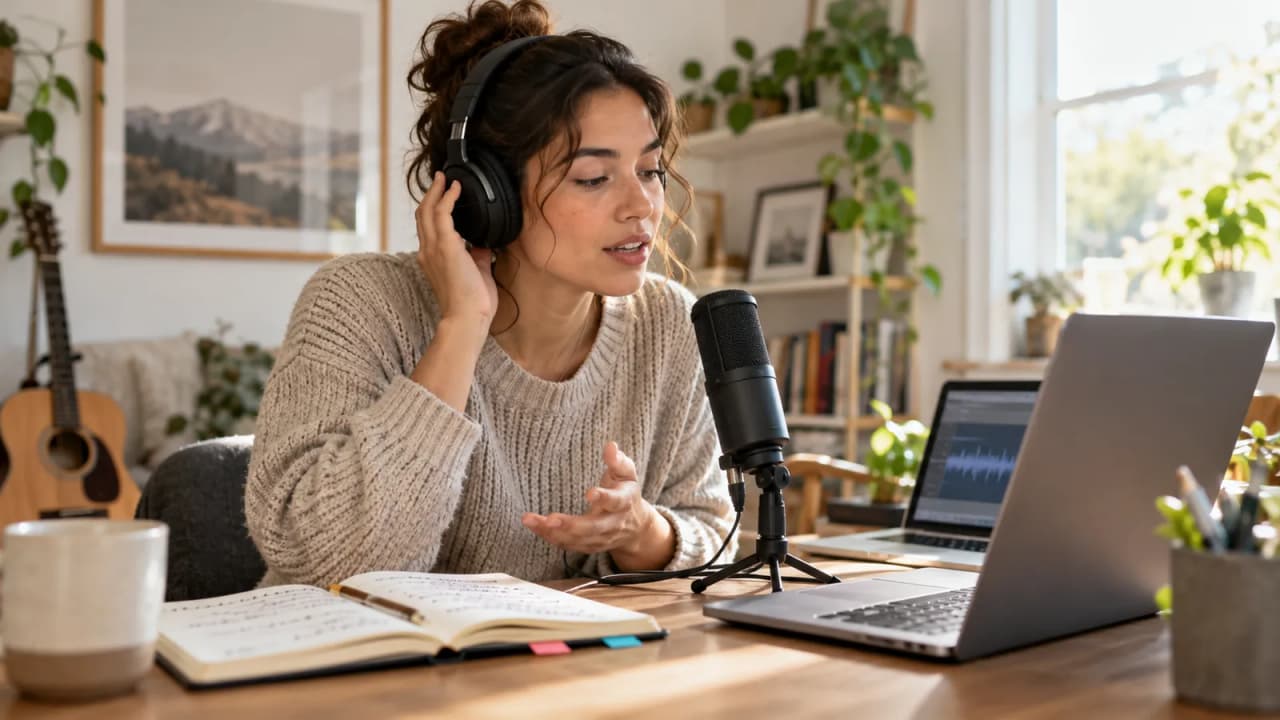
Maya's next video needs two introductions: one in English and one in Mexican Spanish. Her fictional channel, Luz Norte, teaches simple desk-video setups. The rehearsal card below gives both versions the same job: explain a visible lighting comparison before the camera starts. It records editorial choices, not results from a product test.
ChatGPT's new voices can support that rehearsal. In its October 15, 2026 release notes, OpenAI announced the rollout of GPT-Live-1.1, GPT-Live-1.1 Quip, and additional voices with more natural accents across languages. A useful creator workflow is to practice one introduction, listen for unclear meaning, and approve the final wording before recording.
| Rehearsal decision | Filled fictional example | Approval requirement |
|---|---|---|
| Viewer promise | Compare the same desk shot with one lamp in two positions | Both versions preserve the comparison |
| English opening | “Today, I'll show the same desk shot with one lamp in two positions.” | Creator can say it comfortably |
| Spanish opening | “Hoy te muestro la misma toma de escritorio con una lámpara en dos posiciones.” | Fluent reviewer checks meaning and phrasing |
| Visible proof | The shadow falling across an open notebook | Capture both positions without moving the camera |
| Listening request | Flag one phrase that is difficult to follow | Treat feedback as a suggestion |
| Recording owner | Maya records each approved introduction herself | Save the final script with the shot list |
Give the conversation one listening job
Start with a narrow request. Asking for a stronger hook, translation, pronunciation lesson, production plan, and title in the same turn makes the review harder to interpret. Maya needs to know whether a new viewer understands what the comparison will show.
Her starting prompt is: “Act as one attentive viewer. Listen to my introduction and wait until I say review. Then identify one phrase that is hard to understand. Suggest a shorter alternative that keeps the same meaning.”
This is a rehearsal instruction, not a guarantee that the model will wait perfectly. If it interrupts, repeat the sentence and narrow the request. Keep a written copy of the approved promise beside the microphone so an attractive alternative does not quietly change the video.
Choose the language and voice deliberately
Open Settings, then Voice, to select an available voice. OpenAI's current ChatGPT Voice guide also describes a language setting and requests to change tone or pace. Voice choices depend on account and region; a creator should check the choices actually shown.
Maya rehearses English and Spanish in separate calls. She writes the selected language and voice on the card so a later session has a clear starting point. A language-specific voice is a listening aid, not evidence that the final script suits every audience using that language.
Ask for slower speech when a phrase needs attention. There is no precise playback-speed control in Live, so avoid building a process around an exact speed setting. Read the troublesome phrase aloud yourself after hearing the alternative.
Rehearse the promise before polishing the hook
Maya's second sentence is: “Watch the shadow on the notebook before you choose a setup.” It gives the opening an observable task. The video should show that shadow early enough for the viewer to understand the comparison.
Read the two sentences together. Then ask the conversation to describe the promised demonstration in plain language. Compare that interpretation with the shot list. If the response implies two lamps, a product comparison, or a professional lighting result, inspect the wording and clarify the intended meaning.
Do not keep rewriting merely because another version sounds smoother. Stop when the audience, object, and comparison are clear. The next useful work is filming the proof.
Listen for friction without grading an identity
A rehearsal can reveal a sentence that is too long, a transition that feels abrupt, or a name that needs a clearer introduction. Those are concrete editing decisions. Avoid turning the exercise into a score for how authentically someone speaks.
For a fictional channel name such as Luz Norte, Maya records her intended pronunciation and asks a fluent reviewer to check it. She does not ask the model to identify a person's background from an accent or imitate a particular real speaker.
Use one change per pass. Replace a difficult phrase, read it again, and decide whether it still sounds like something Maya would say. A clear creator voice can include an accent, regional vocabulary, and personal rhythm.
Keep the two versions equal in meaning
The Spanish working continuation is: “Mira la sombra en el cuaderno antes de elegir la ubicación.” A fluent reviewer might choose different wording for the intended audience. That choice belongs in the approved script, not in an unsupported claim that one translation is universally correct.
Compare three elements across versions: what viewers will see, what decision they can make, and what the video does not promise. Maya is demonstrating two positions of one lamp. Neither version should become a promise of better video quality in every room.
Make a small revision note when meaning changes. For example: “Removed a claim about professional results; retained the notebook-shadow comparison.” This gives the editor a reason for the final sentence and prevents an older, stronger claim from returning in captions.
Record the approved performance separately
OpenAI's October 15 announcement describes the new voice rollout and says API availability is coming soon. It does not establish a creator narration-export or dubbing workflow. Plan this exercise around conversation, then record the creator's own approved delivery through the normal production setup.
Live is primarily designed for one-to-one conversation. Keep other speakers out of the rehearsal, and use a quiet space. It does not support video or screen sharing, so do not assume it has inspected Maya's lighting demonstration.
Treat the chat transcript as a working note. OpenAI says Voice transcripts may differ from what was spoken. The final script should be the text Maya and her reviewer deliberately approved.
Hand the editor an introduction they can use
The finished handoff needs four things: the approved English script, the approved Spanish script, the shot that delivers each promise, and the person responsible for language review. Add a version date and a clear filename for each recorded take.
For Maya, the next artifact is a two-row recording sheet linking each introduction to its matching desk shot. The editor can then check the opening against the actual image instead of interpreting a long rehearsal transcript.
Growit o1 is a physical device in development. Review the current o1 guides, product boundaries, and o1 AI direction before assigning any device role. This example does not establish a supported ChatGPT connection. Keep the approved rehearsal card in the production notes available to the people recording and editing the video.