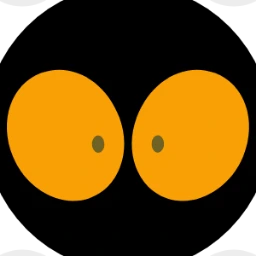
Your physical o1
Not connected
Plug o1 into this laptop with a USB data cable. Connect in desktop Chrome or Edge.
Open Bluetooth LED controls ↗
Live control brings o1 back to its main face. Older firmware can pause a light show when connecting.
On after connecting. Change a pack and it appears directly on o1’s main face. No Done or Wear needed. Turn off to browse without changing o1.
This o1 needs the main-face firmware update. Download the Windows update, extract it, and follow its instructions. Reconnect here after updating.
Selected: Marmalade color pack
Connect to put your selection straight on o1’s main face.
Your live color stays when you disconnect. Keep after restart remembers it for the next boot. o1’s mood chooses its eye shape; your nickname stays in Eye World.
Save a favorite on this device. No account needed.